




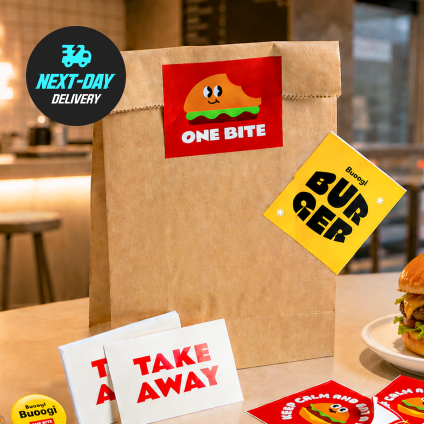
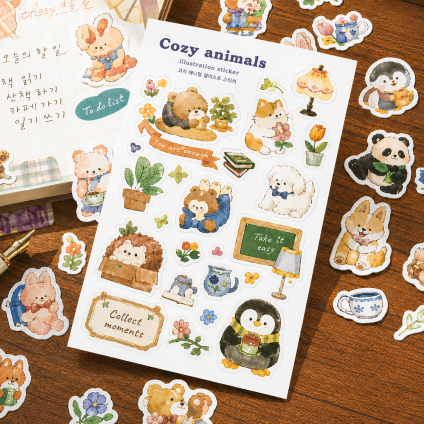
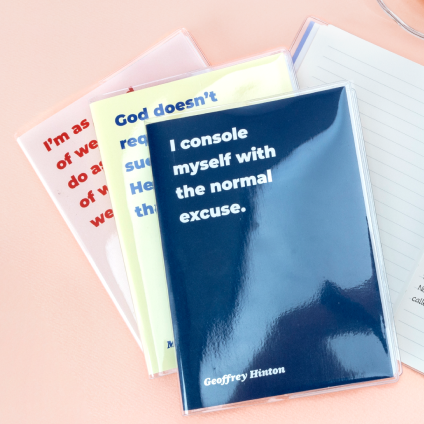
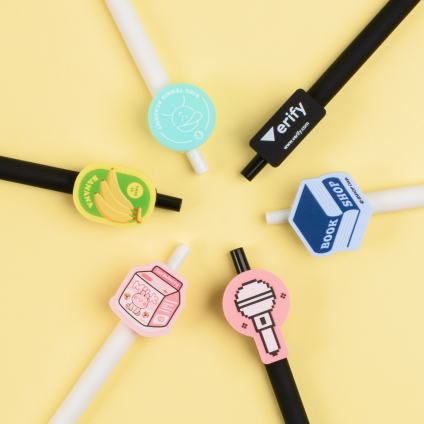




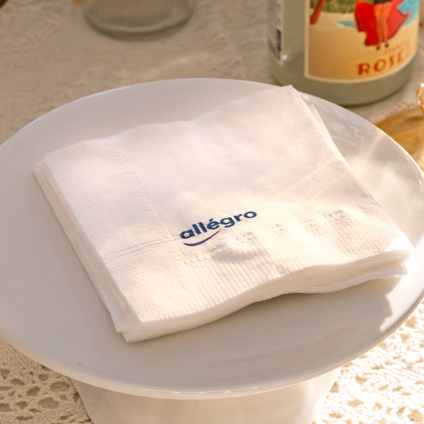
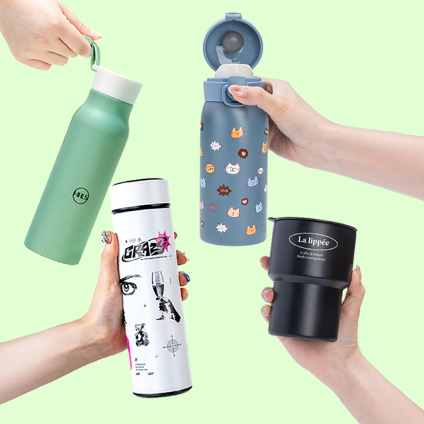
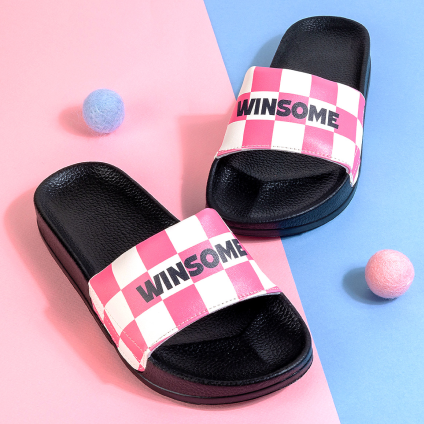
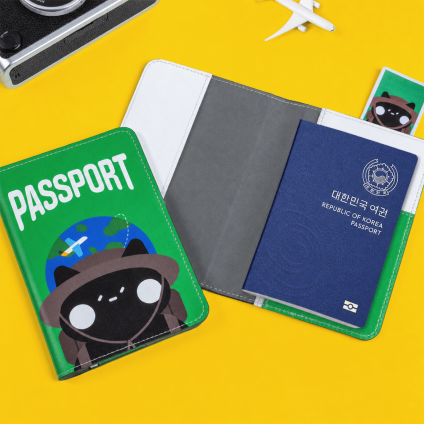

포장 방법
기본 벌크 포장(한 번에 포장)해 출고되며,
개별포장 선택 시 선택한 부자재 옵션에 따라 금액이 달라질 수 있습니다


Acrylic Blocks (Lenticular)Reorder is available for this item.
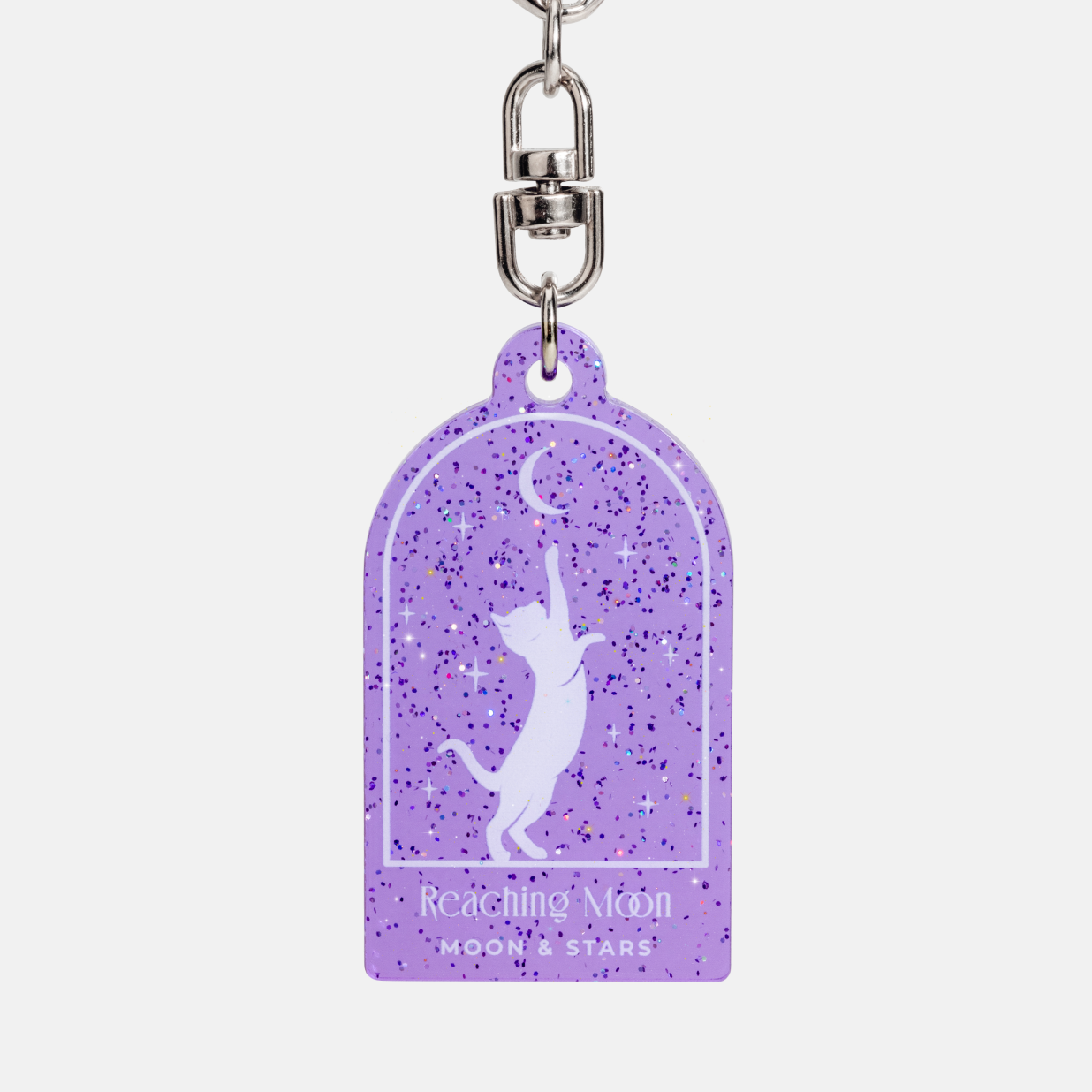
Acrylic Glitter Keyrings Reorder is available for this item.
2,400~ / 1pcs
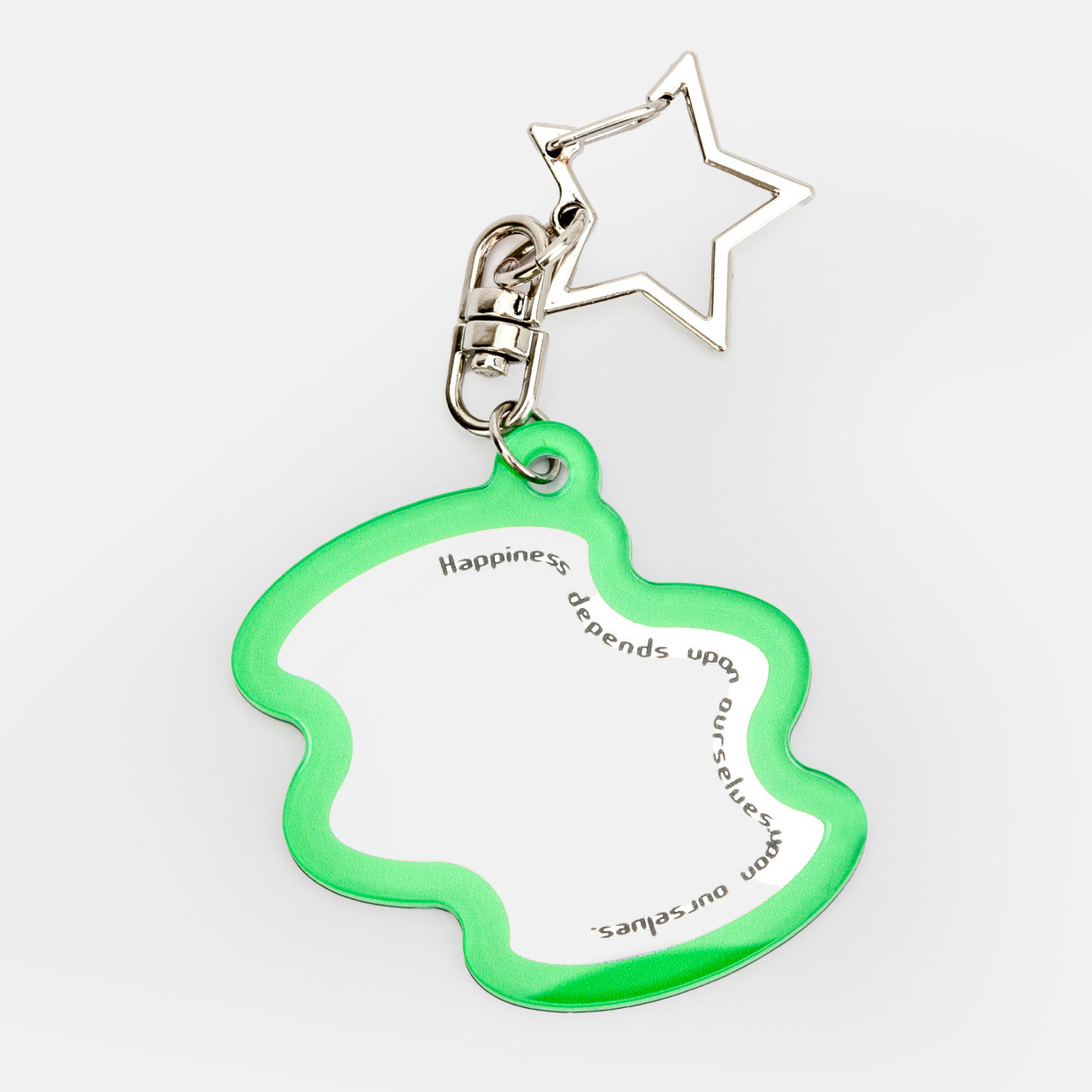
Mirror Keyrings Reorder is available for this item.
3,000~ / 1pcs

Acrylic Blocks (3D) Reorder is available for this item.
7,600~ / 1pcs
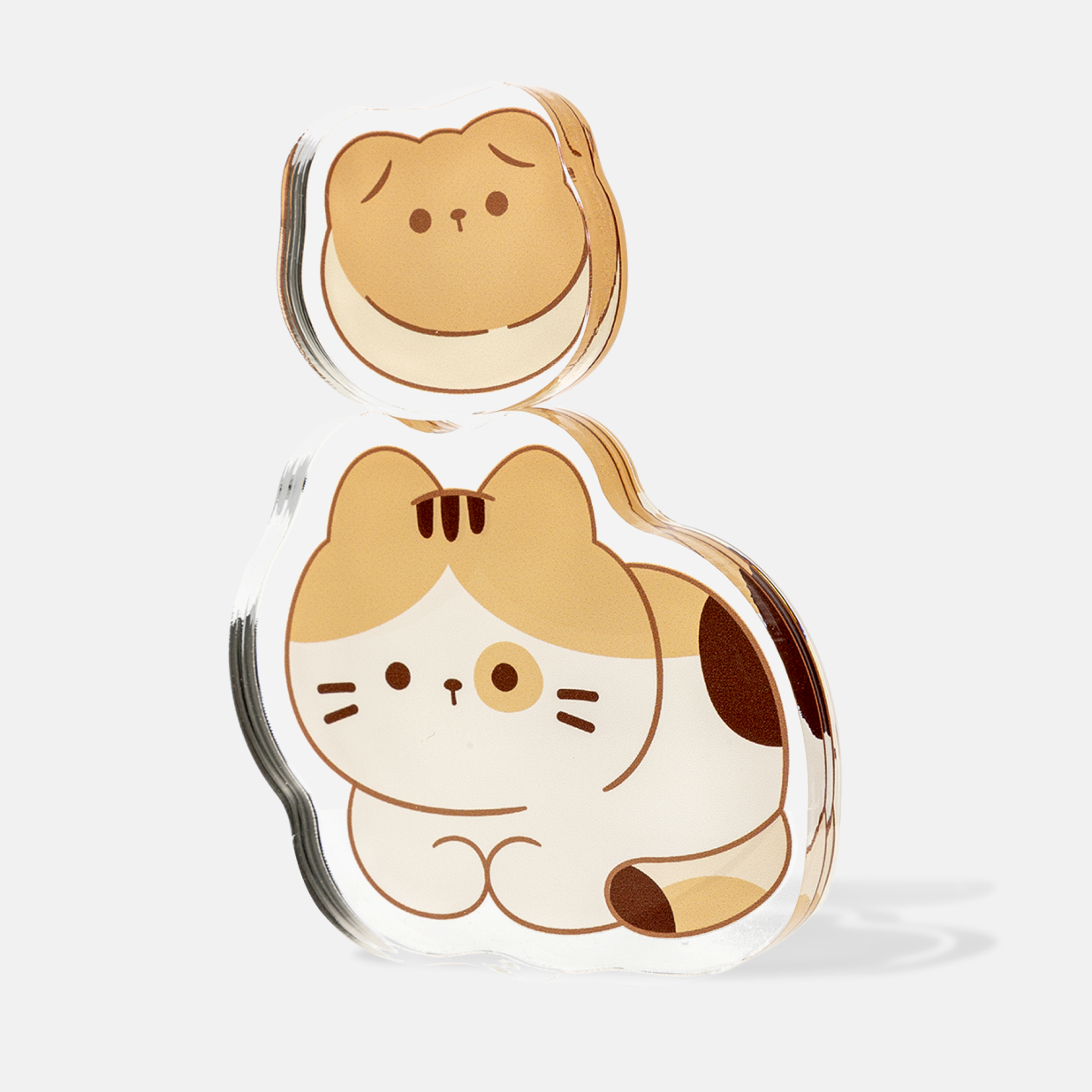
Acrylic Blocks Reorder is available for this item.
7,000~ / 1pcs
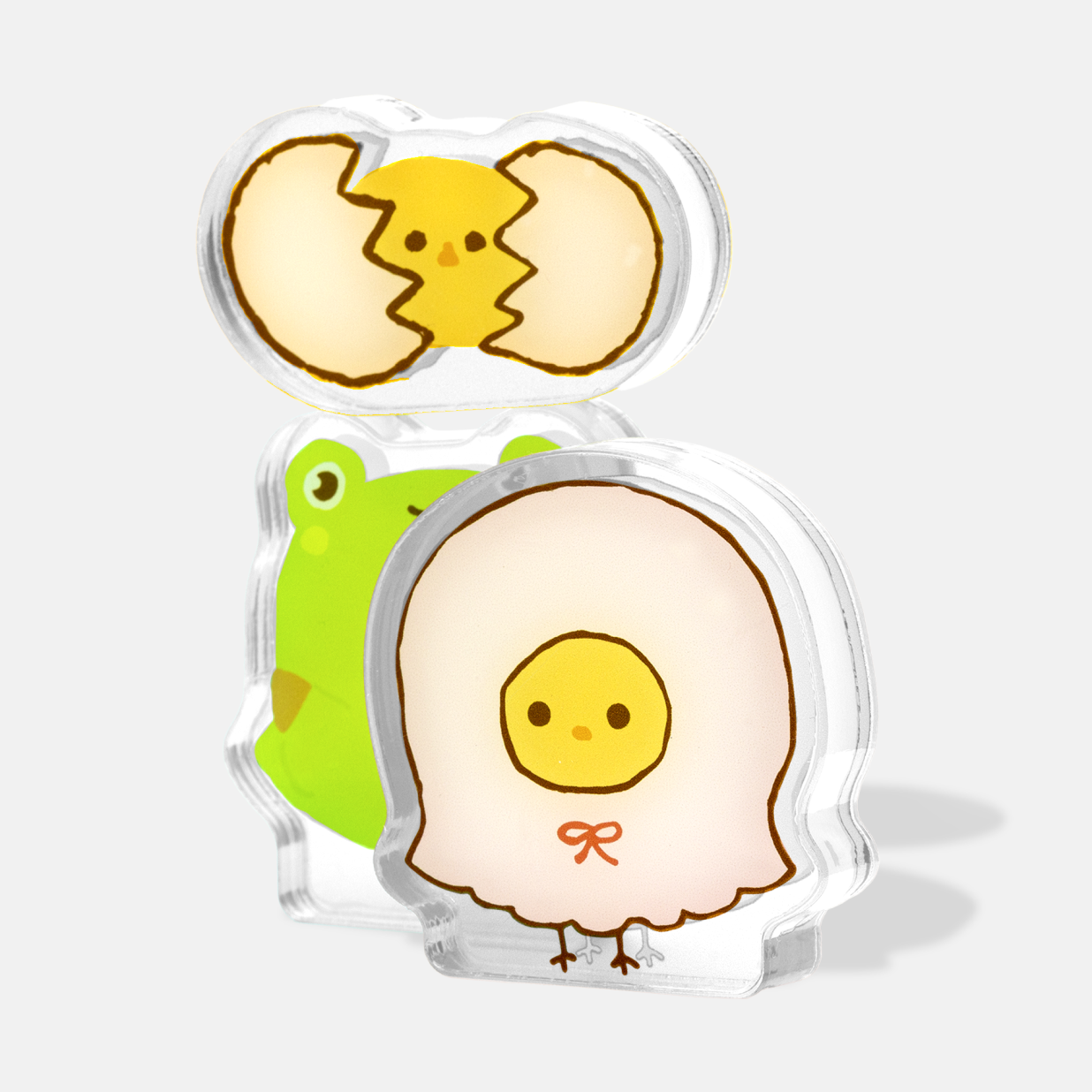
Acrylic Blocks (DS) Reorder is available for this item.
7,600~ / 1pcs
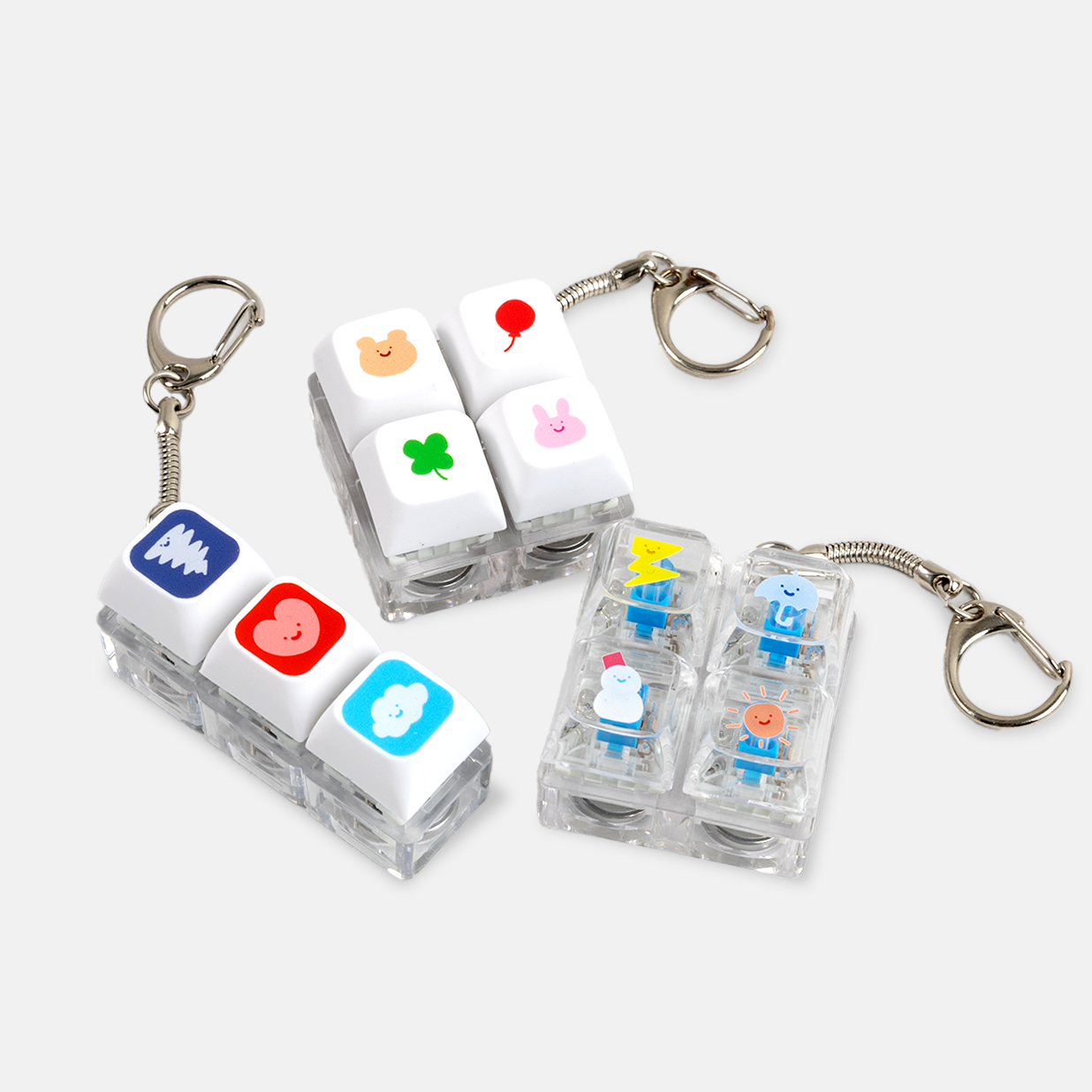
LED Keycap Keyrings Reorder is available for this item.
7,000~ / 1pcs
Note
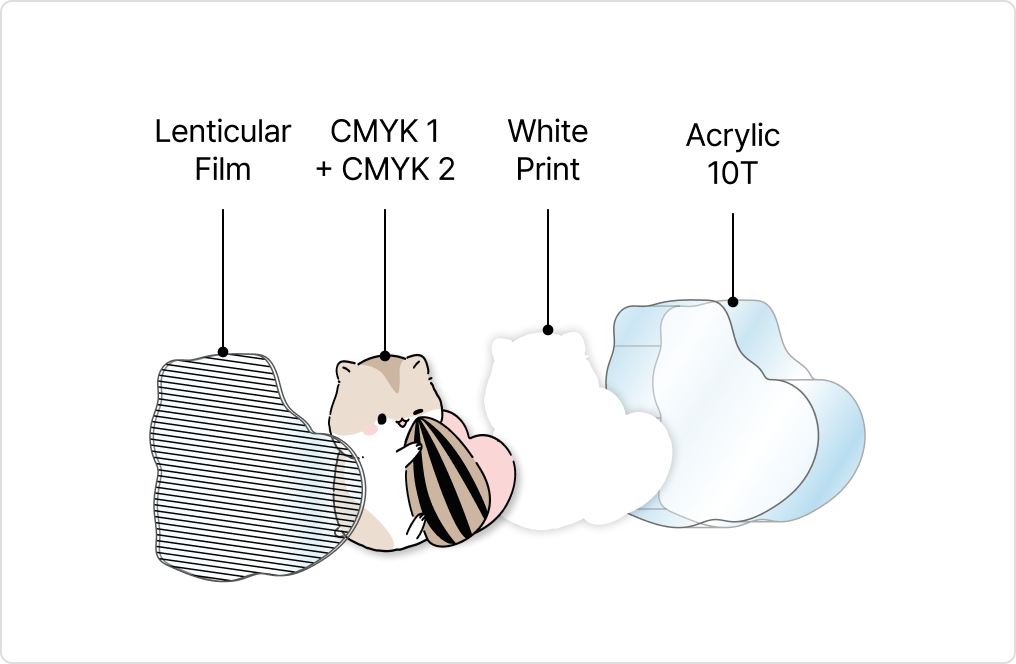
CMYK1 & 2 are printed on the inside of the Lenticular film, followed by printing of the white ink
over the color print to enhance vibrancy.
The printed film is then attached onto the super thick 10T acrylic. This method prevents printed
design from fading or scratch offs.
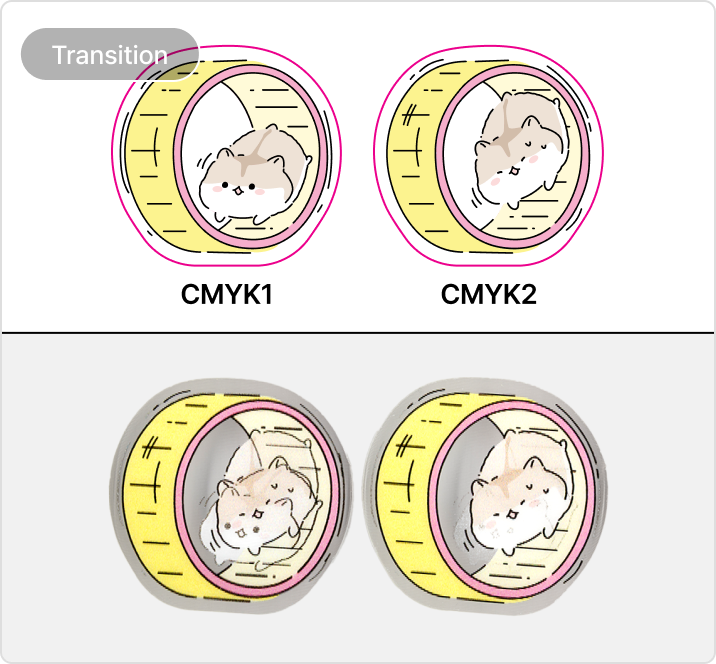
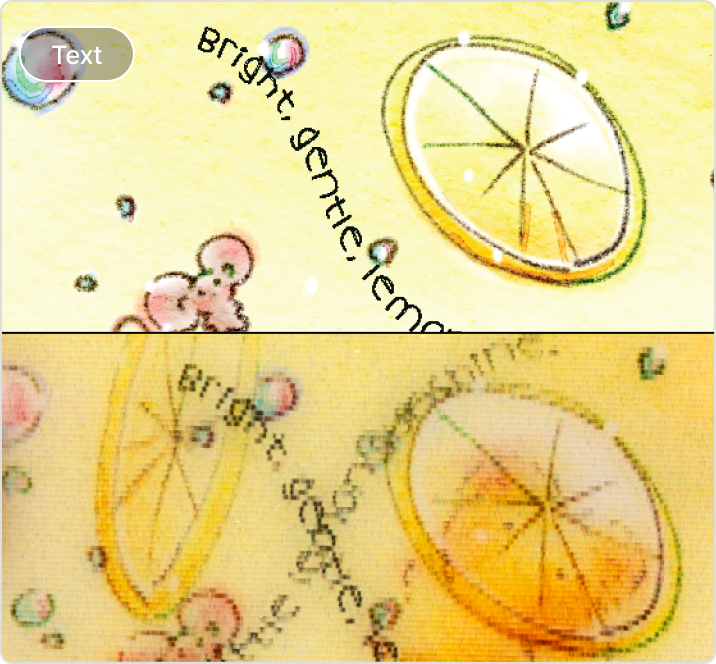
・Transition Point - Even though same design may be printed, the transition point may differ.
・Color Shades - If the 2 images submitted are very different in color shade, it may affect the
Lenticular effect
・Avoid Small Text - If fonts are too small, the printed text may appear broken due to the Lenticular
bending characteristics.
If the same image is printed for CMYK 1 & 2, there wil be no lenticular flip effect.
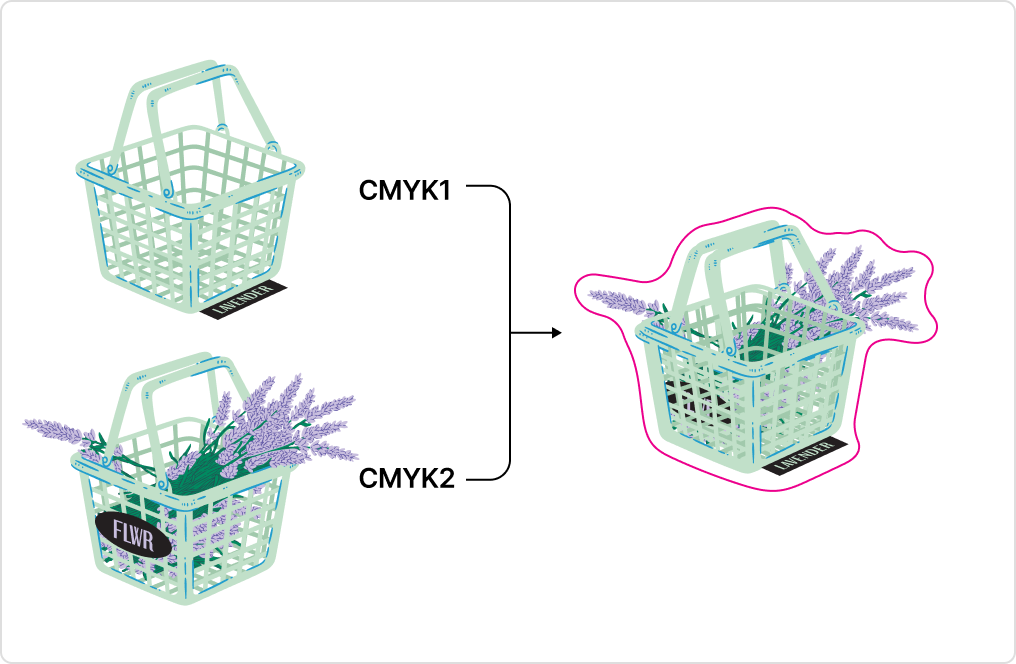
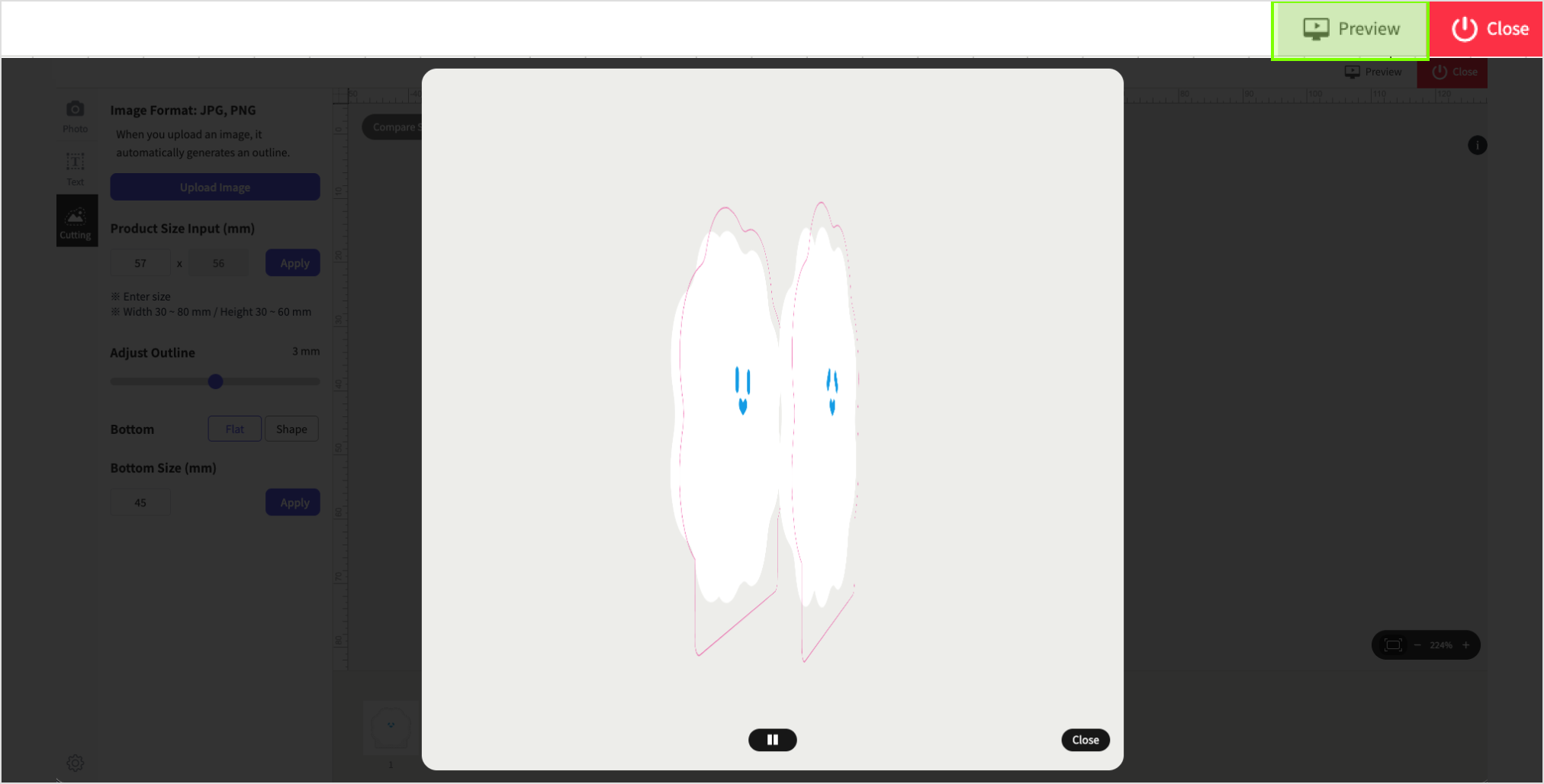
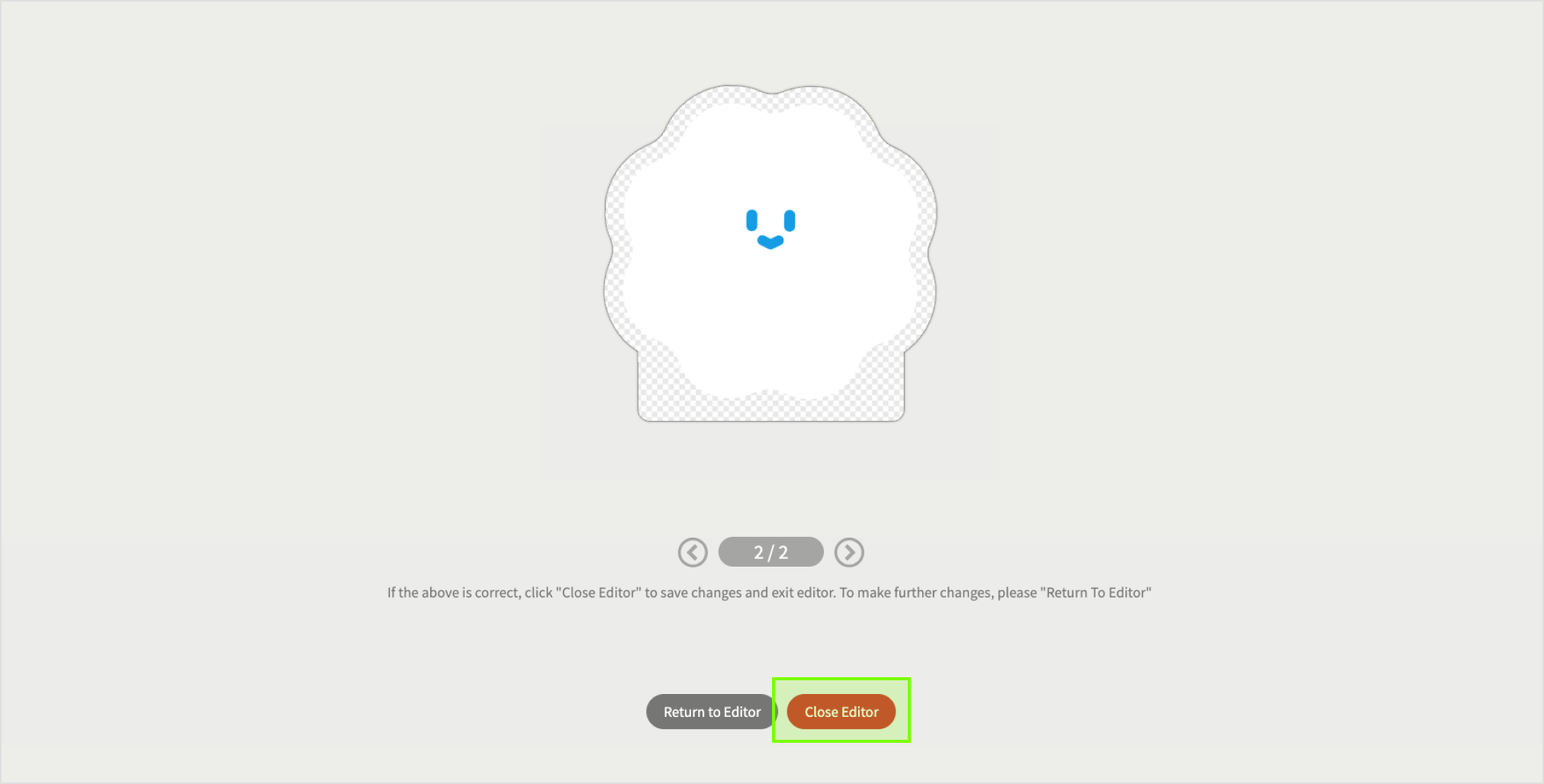
CMYK 1 & 2 has to be of the same size and shape, in order to fit into the desired cutline as shown in example above.
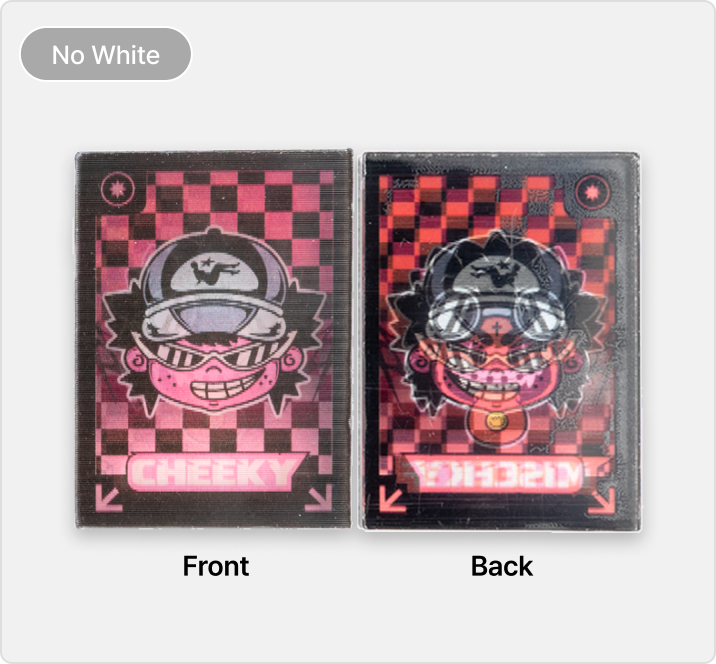
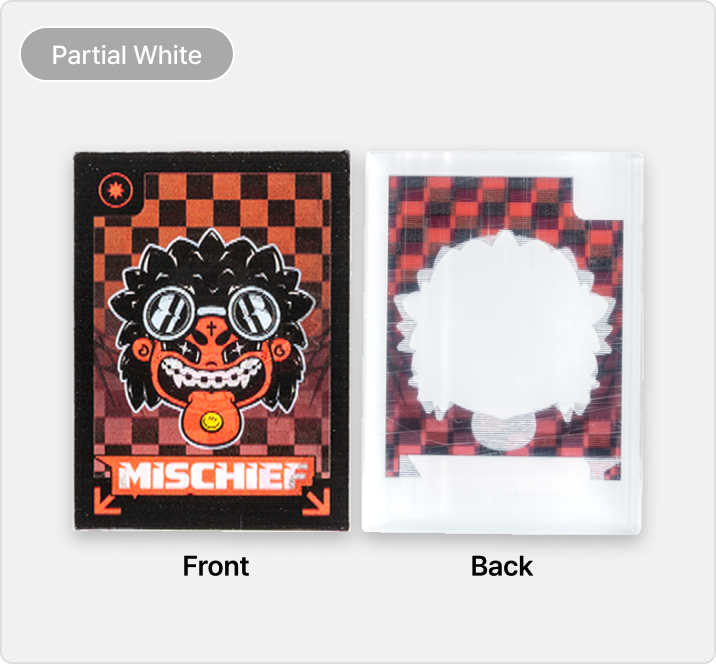
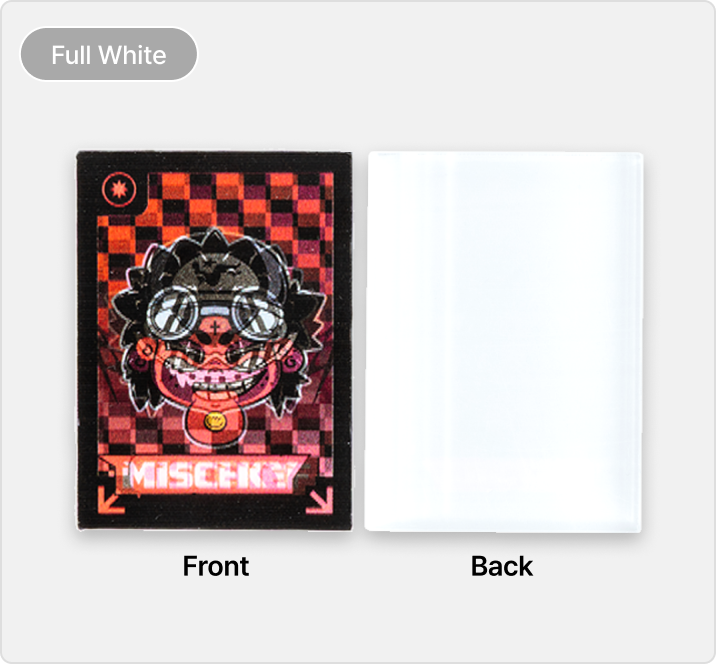
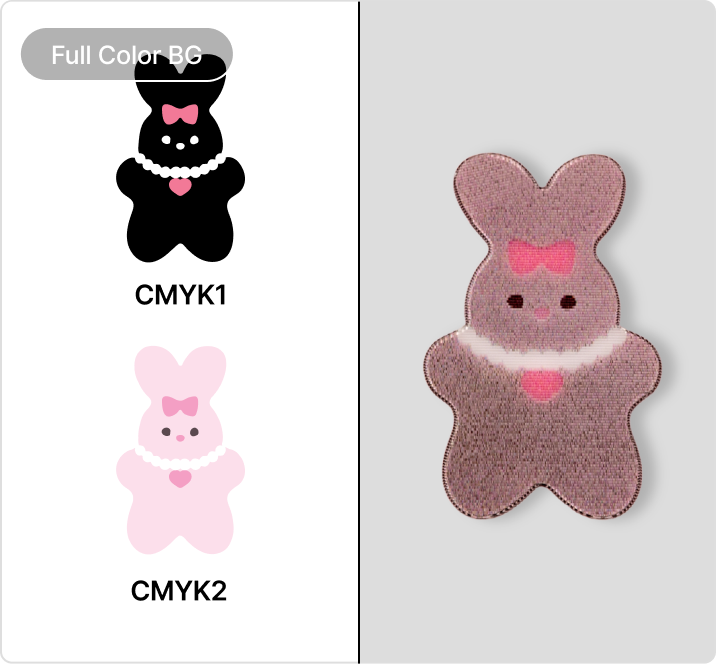
Above are some illustration examples of how white ink printing may play a part in the final print output.
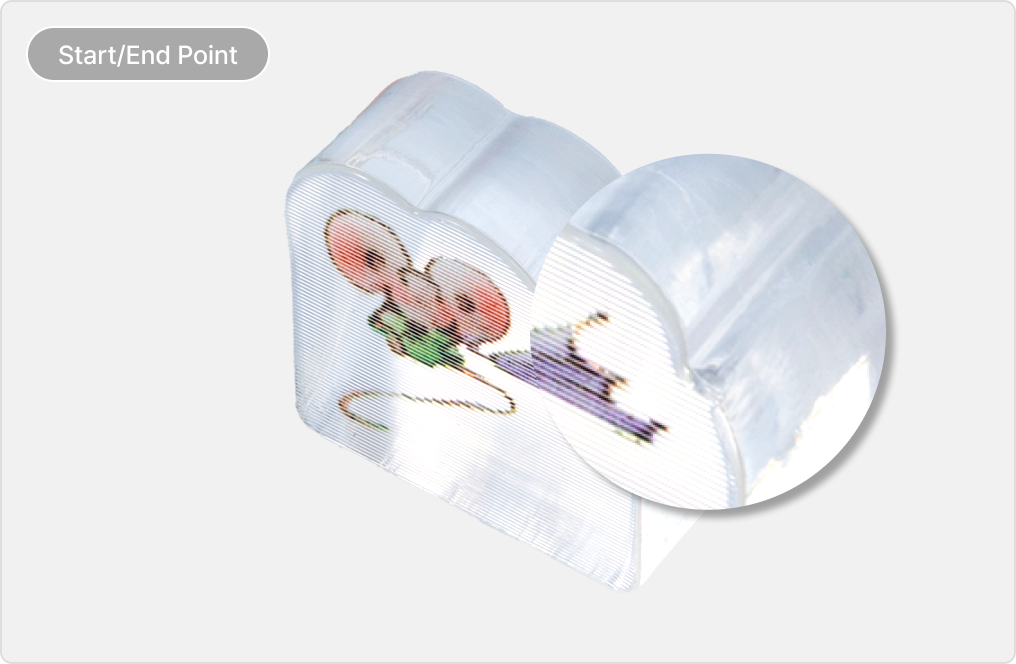
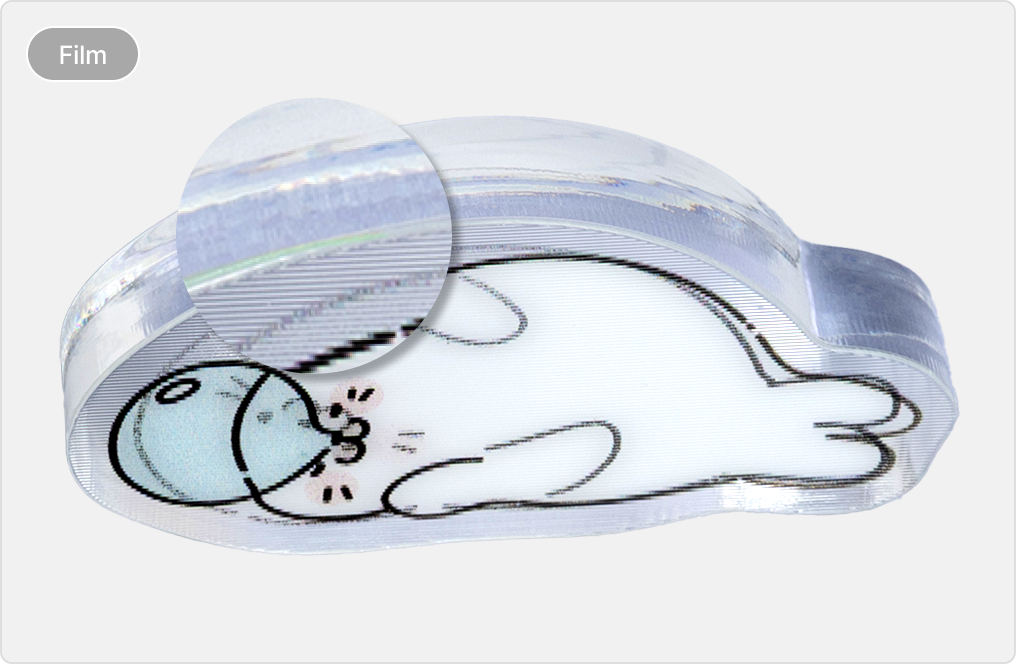
The start/end point may be visible due to the process of laser cutting.
Cross section whereby the lenticular film is cut, may appear slightly yellowish. No refund/return
can be made for this matter.

[Clear Bleed]
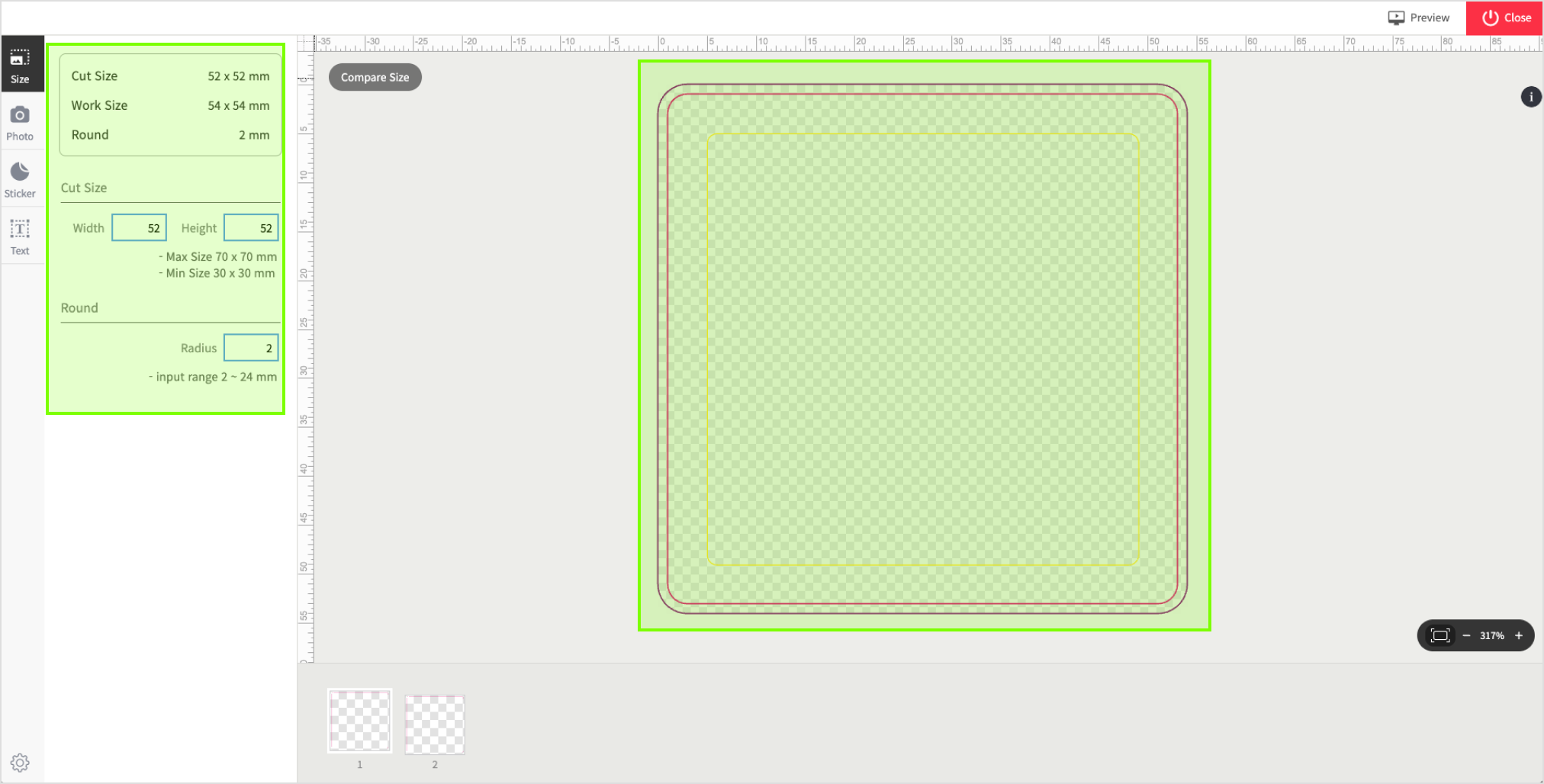
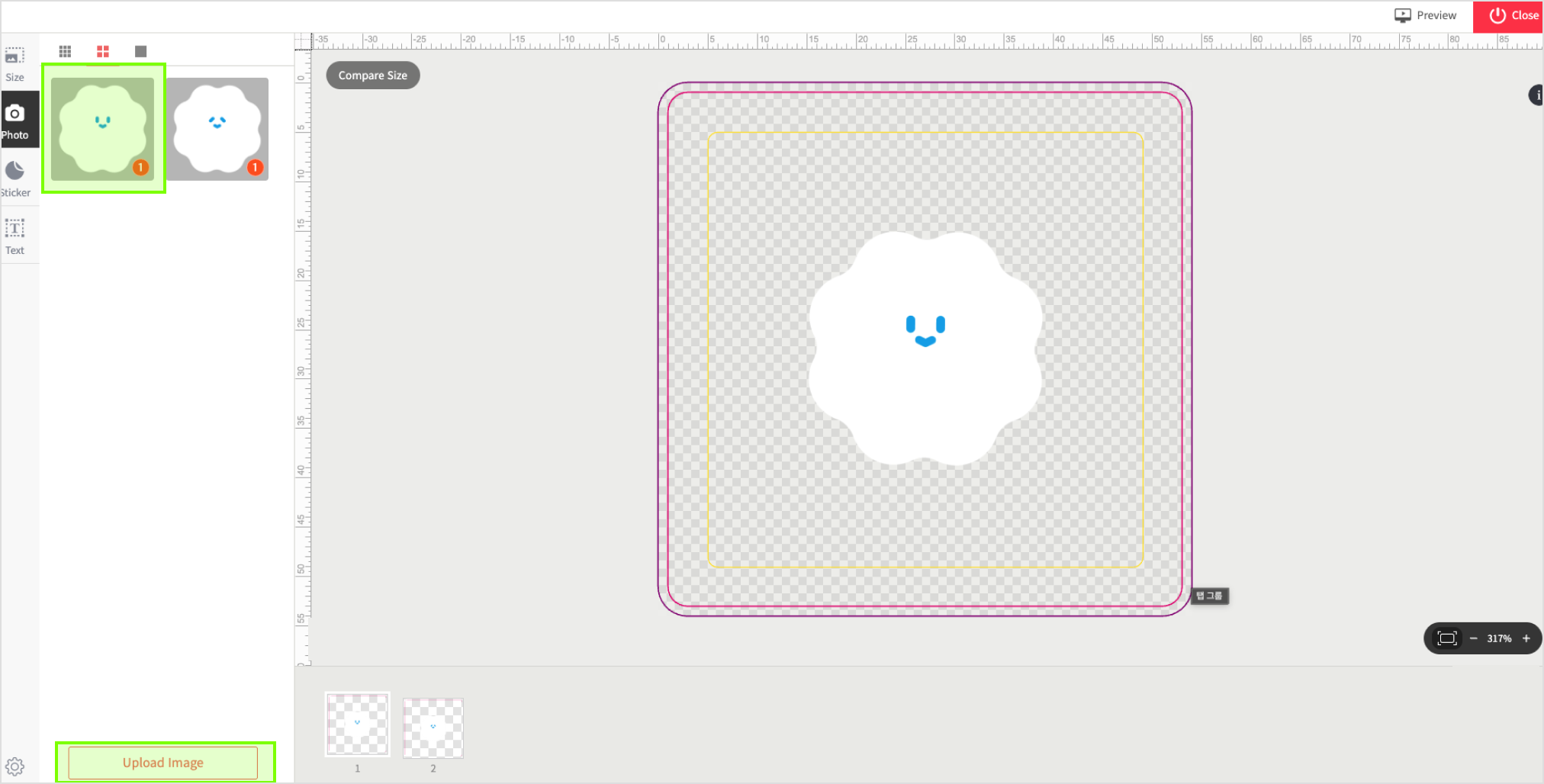
3mm gap margin between the cutline and printed image is required.
[Color Bleed]
Make sure that there is an extra 1mm color bleed background from cutline.


White Ink layer > K=100% (black)
Do take note that a 0.5mm print shift may occur during production, resulting in a slight whitish
outline at the edge of the artwork.
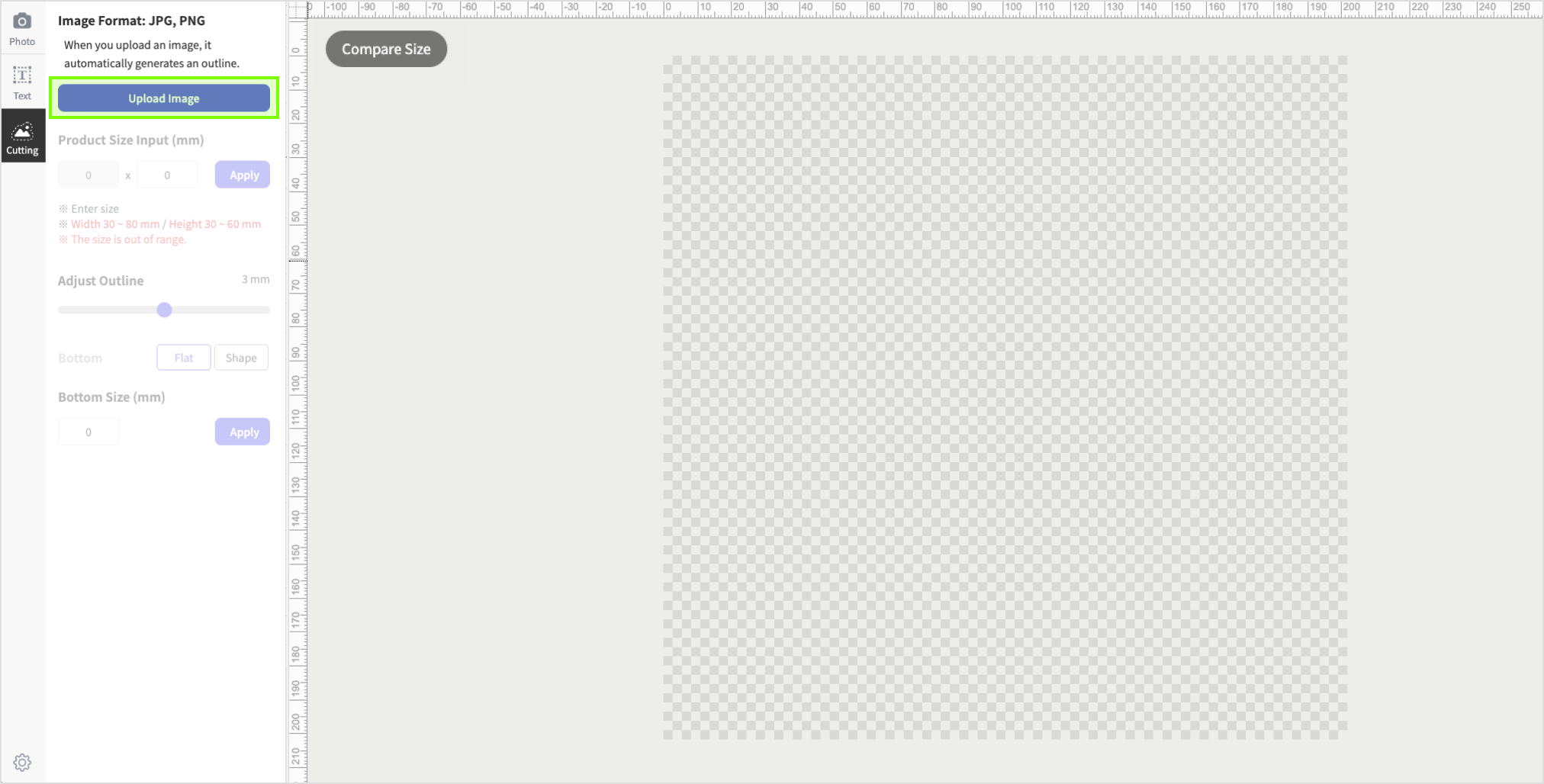
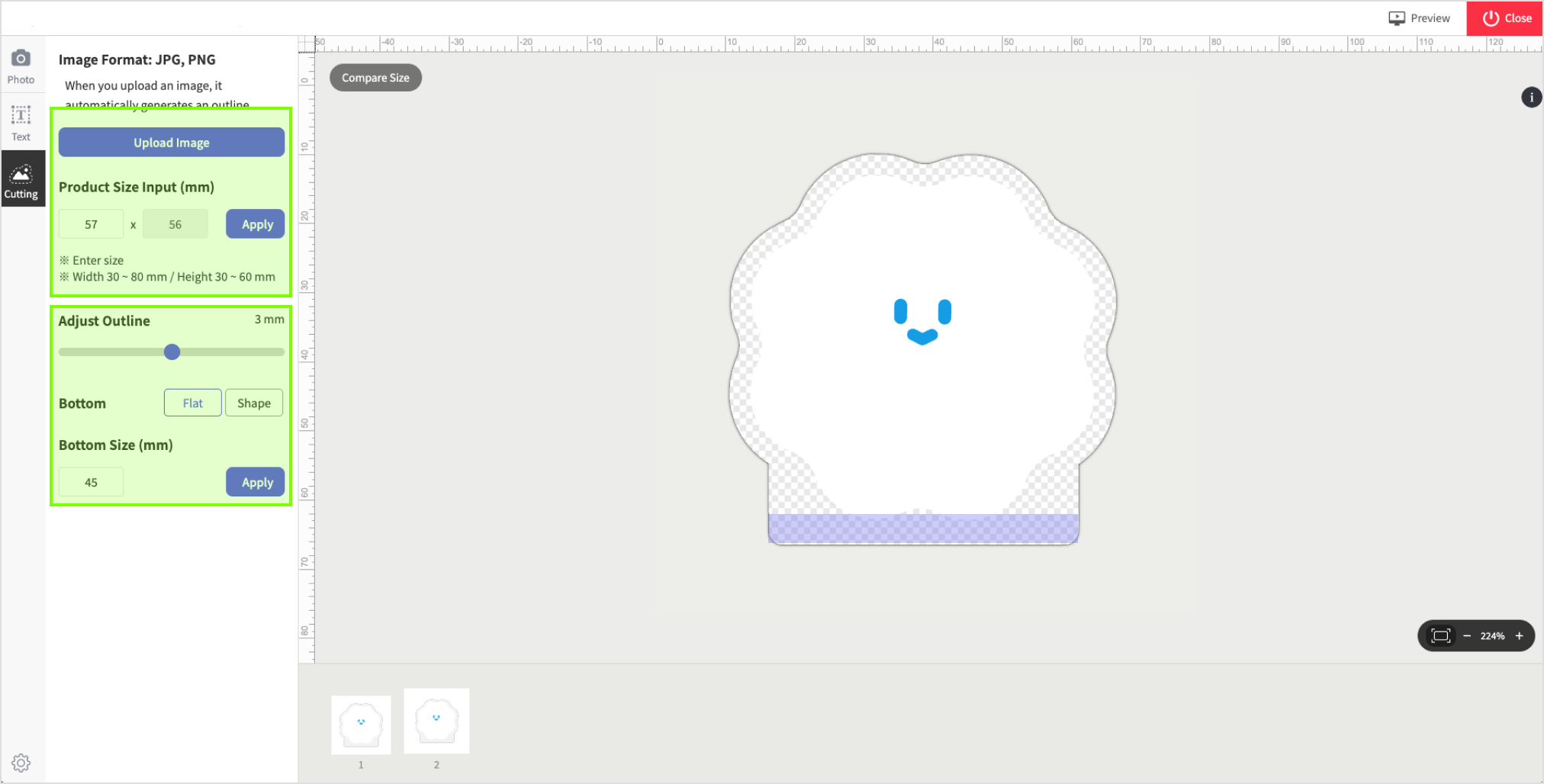
*If you are unsure on how to create this white layer, please use our built-in Editor instead.


Avoid sharp corners or deep valleys along the cutline. Rounding these areas is recommended.

Avoid designs with borders or lines at the edges as there is a 1-2mm cutting shift during laser
cutting process.
Any lines or borders near the edge may appear uneven or even cropped off. No refund/return will be
made for this matter.

Do note that when creating the base of your design, if the left/right side ratio is uneven, the base
will not stand properly and may fall over.
We recommend a flat and straight base for strong stability.
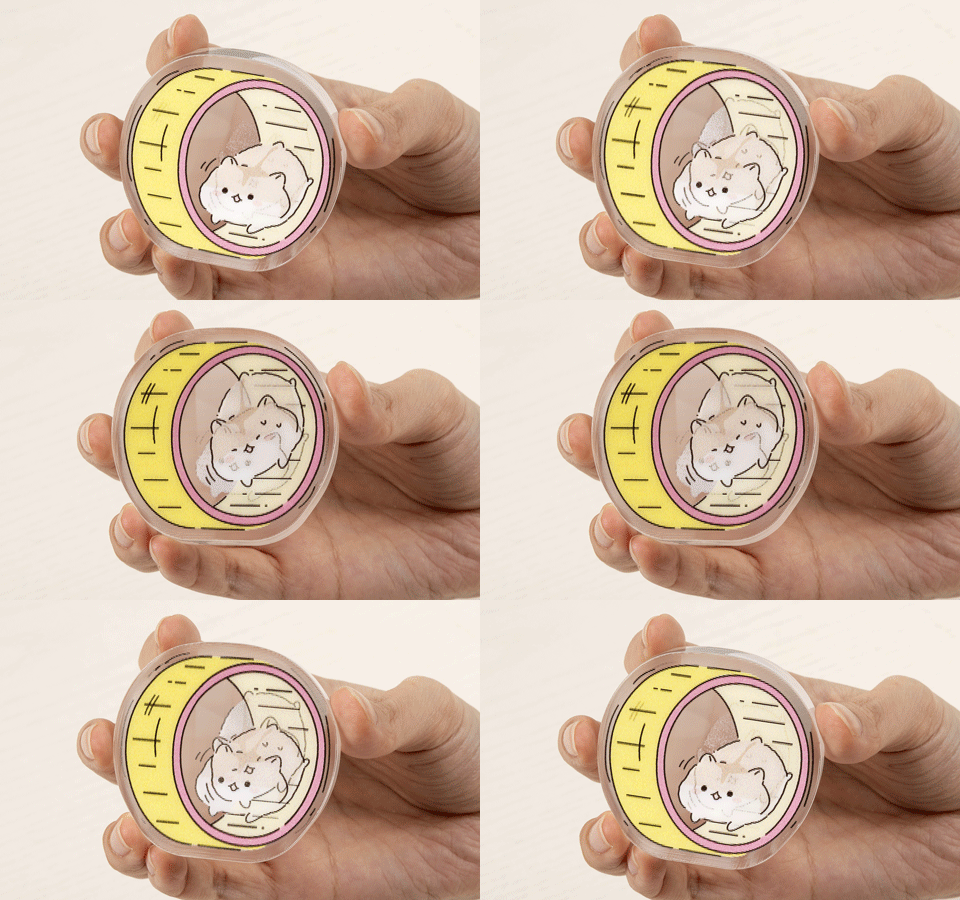
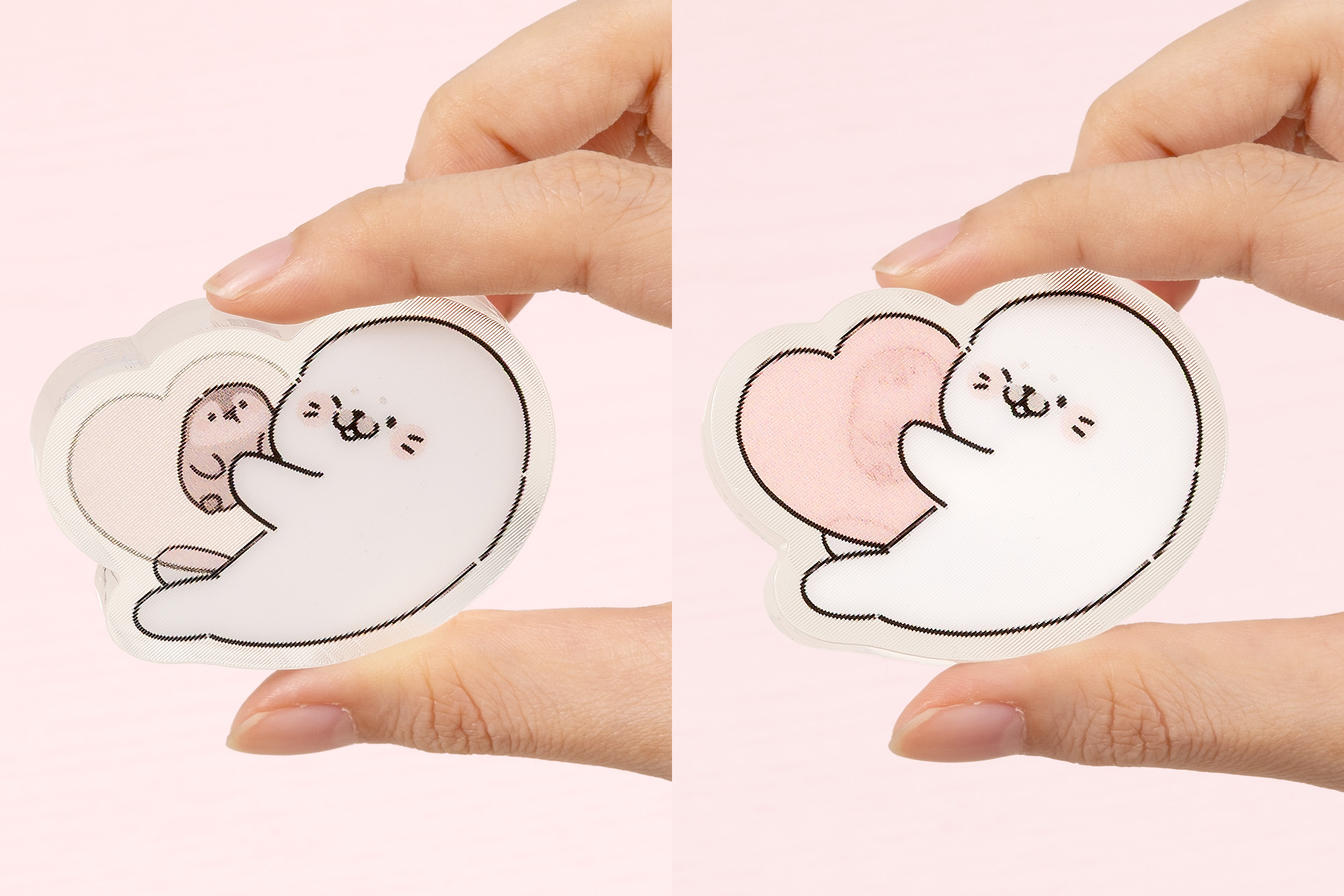
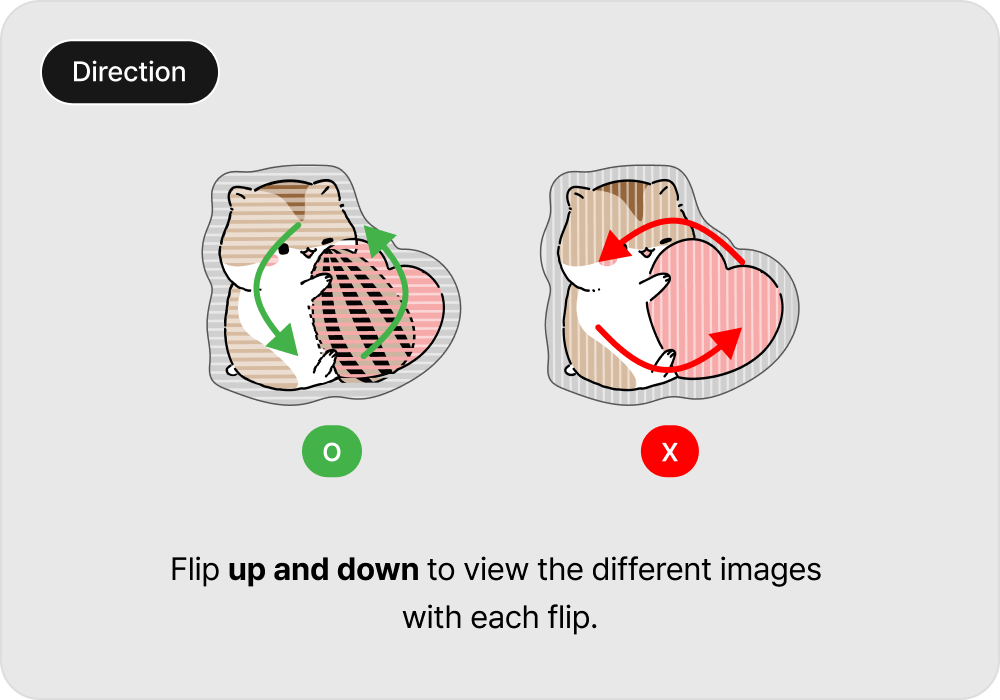
Flip up and down.
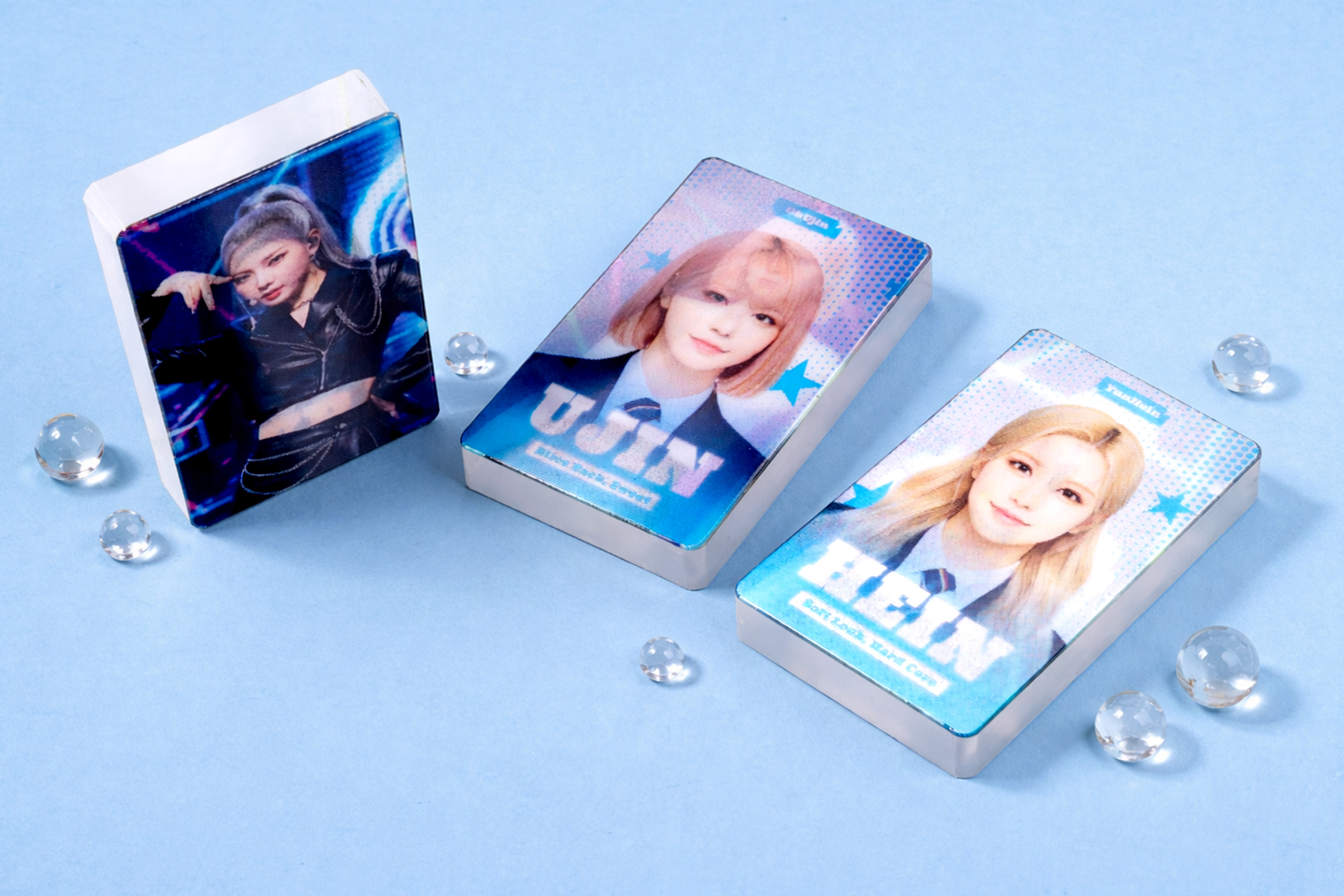
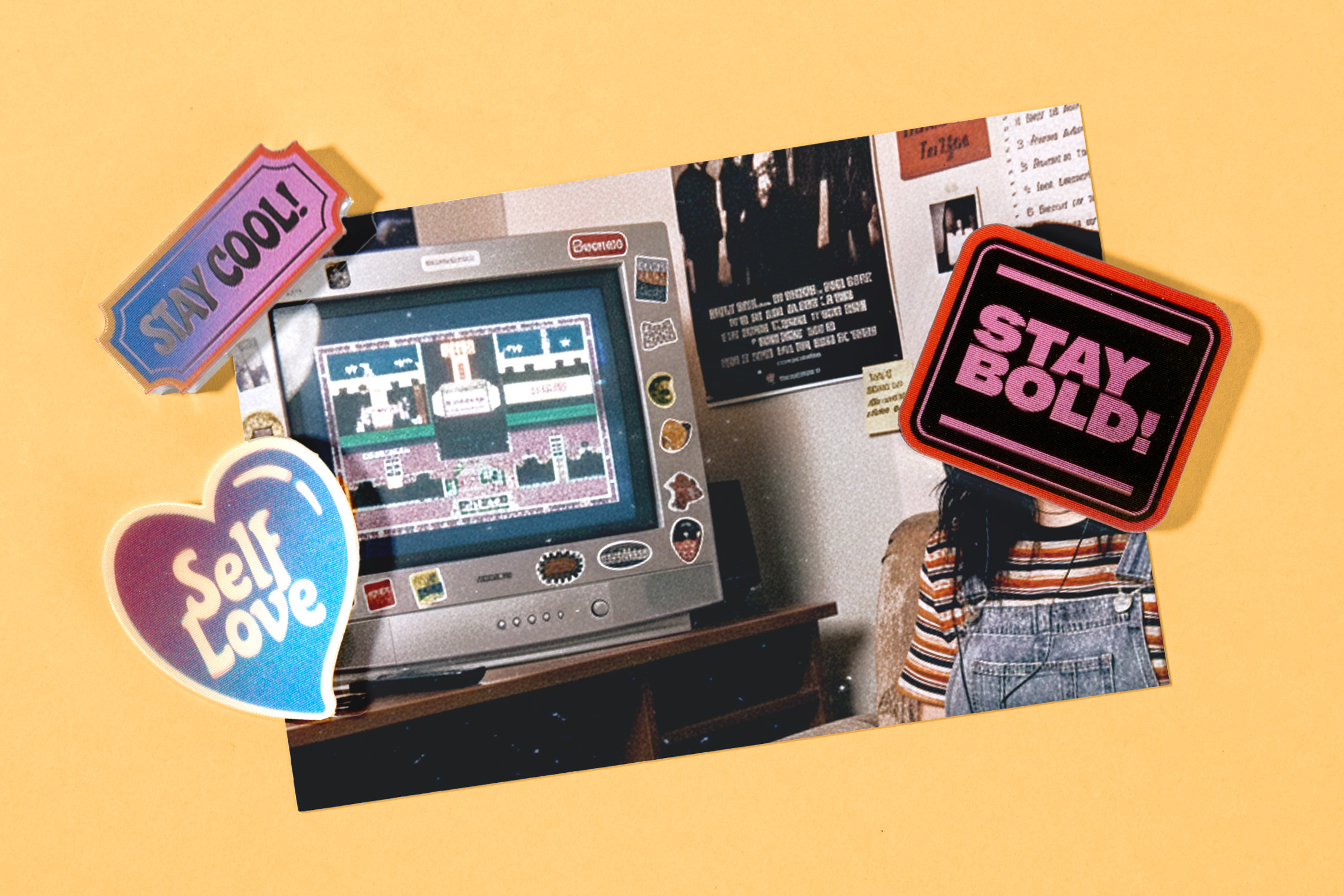
Transition of 2 images in one single frame.
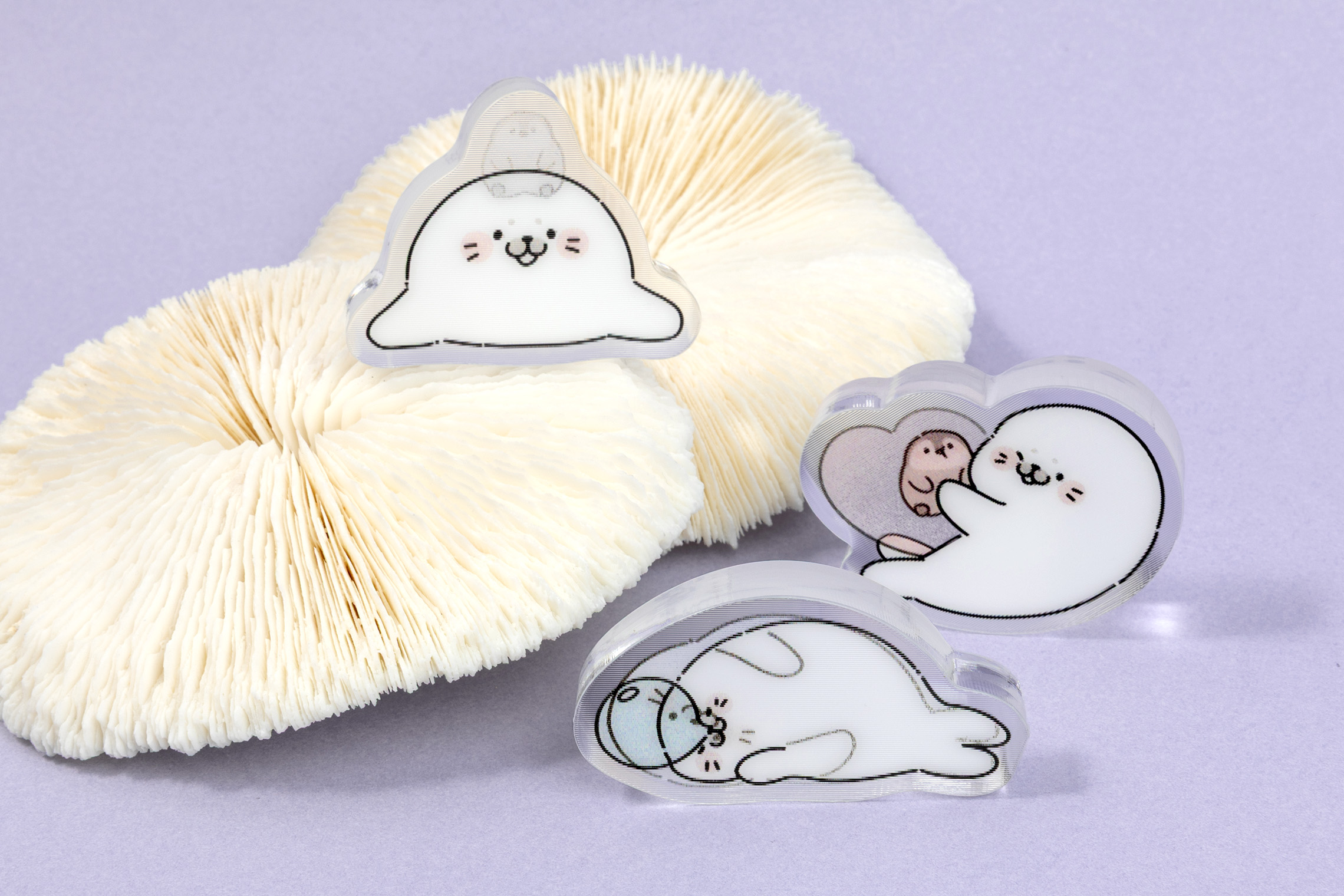
With a super thick acrylic of 10mm produced,
this helps stabilize the block as a stand.


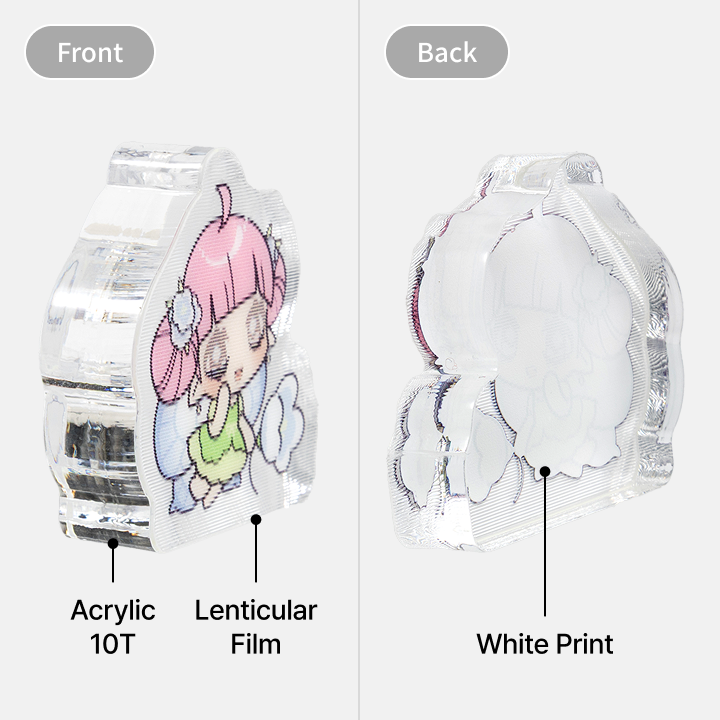
Processing
Printing will be done on the inner side of the Lenticular film and attached to the thick Acrylic 10T
surface. This prevent printed ink from fading or scratches. Note that white ink print will be
visible on the back.
*T = equivalent to MM
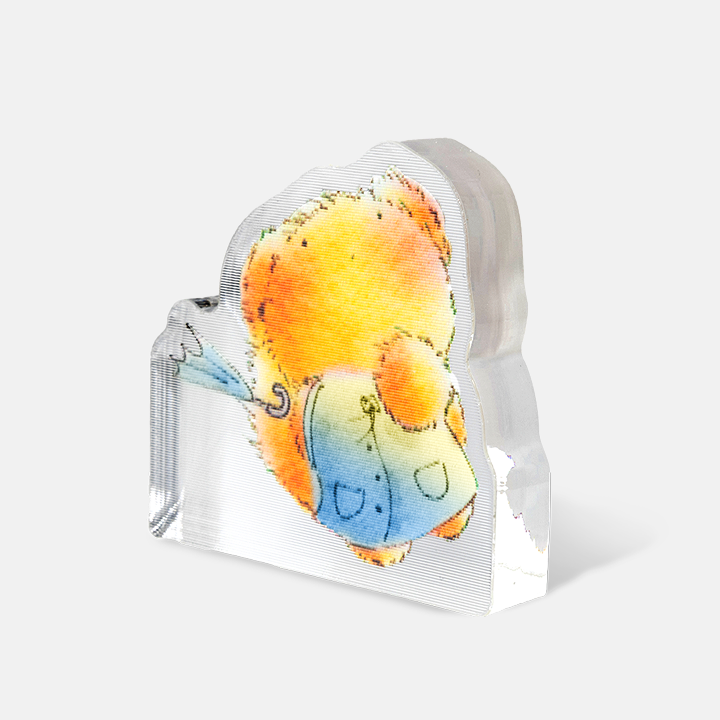
Speciality
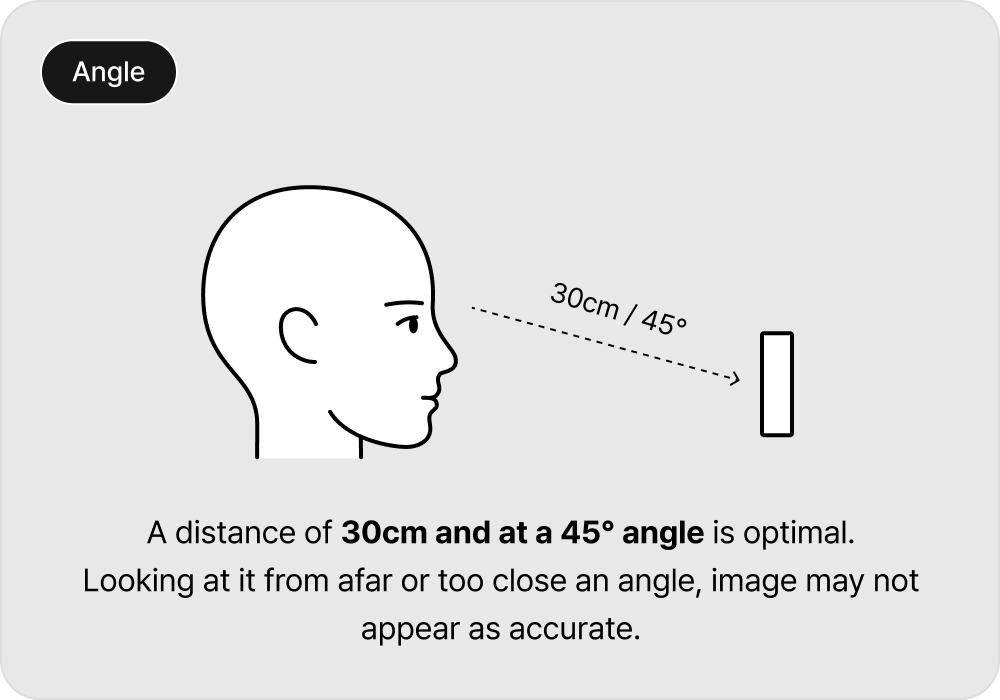
Flip up and down to transit from one image to another.
With a super thick acrylic at 10T (mm), helps stabilize
the block as a stand on its own.
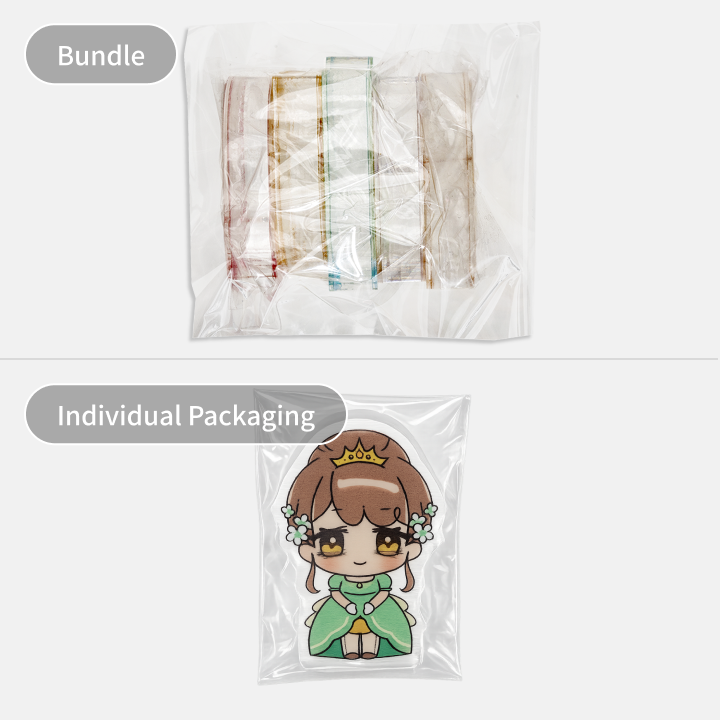
Packaging
Items will be packaged together in a OPP plastic packaging.
For Individual Packaging, please select under Finishing.
*Individual packaging (+200 won/1pc)
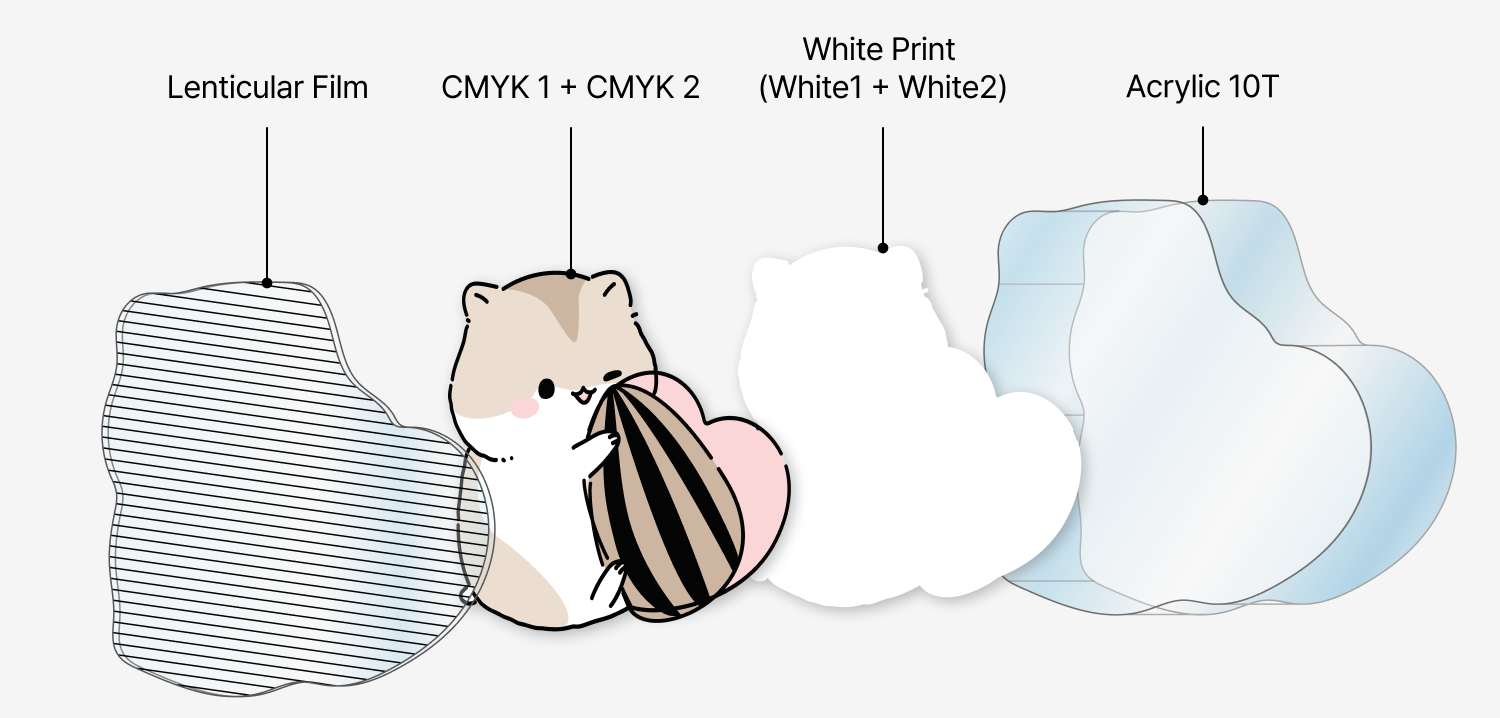
*If CMYK 1 & 2 are of the same image, there will be flip effect.
Design File
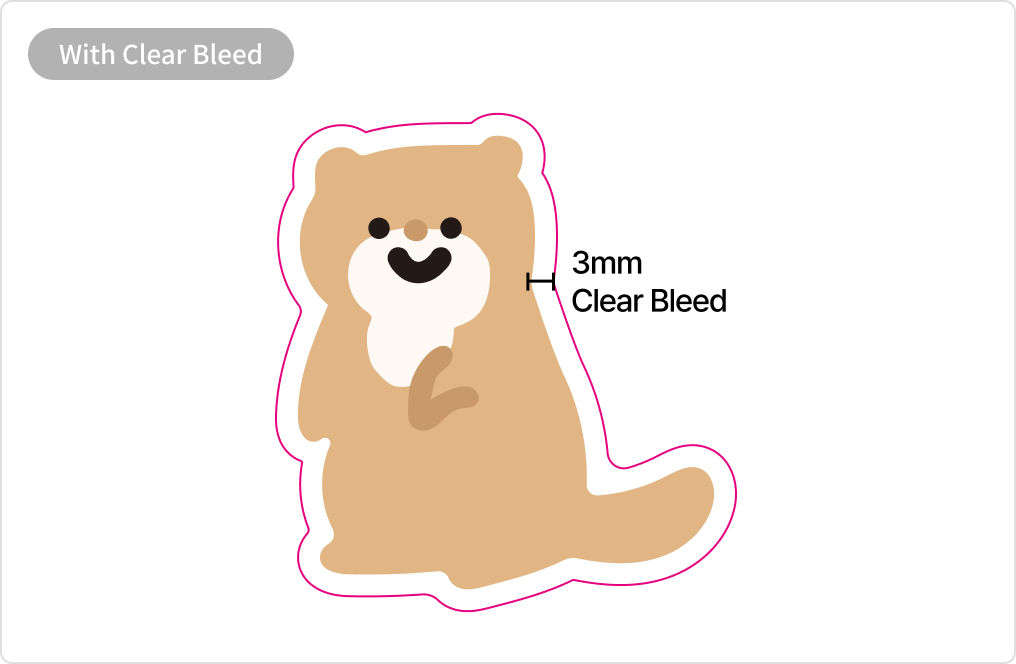
3mm gap margin between image and cutline is required.
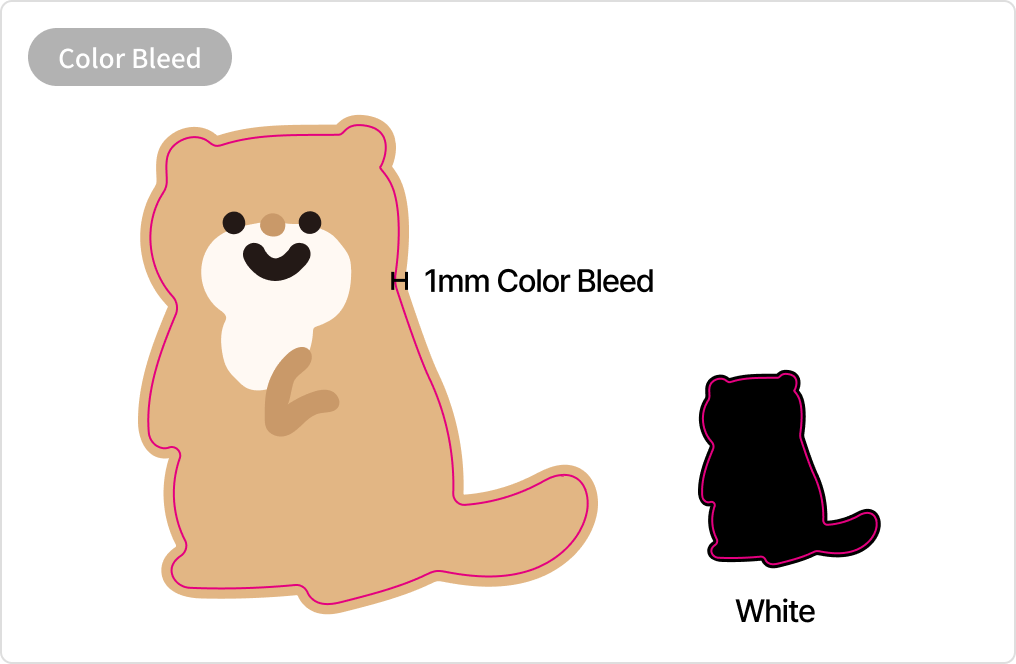
Ensure to leave an extra 1mm bleed from outline.
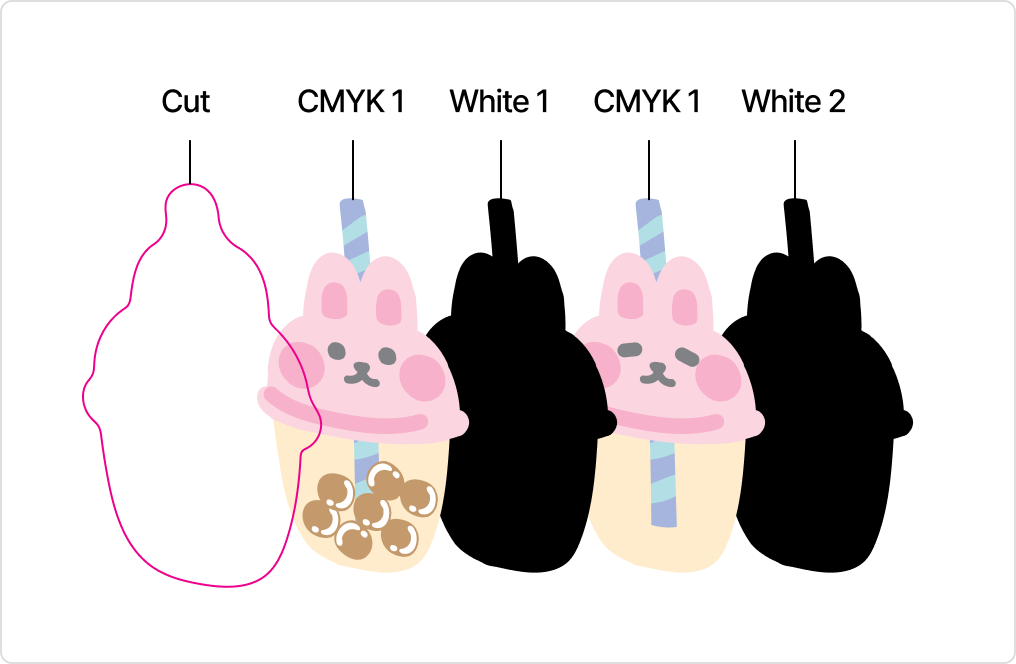
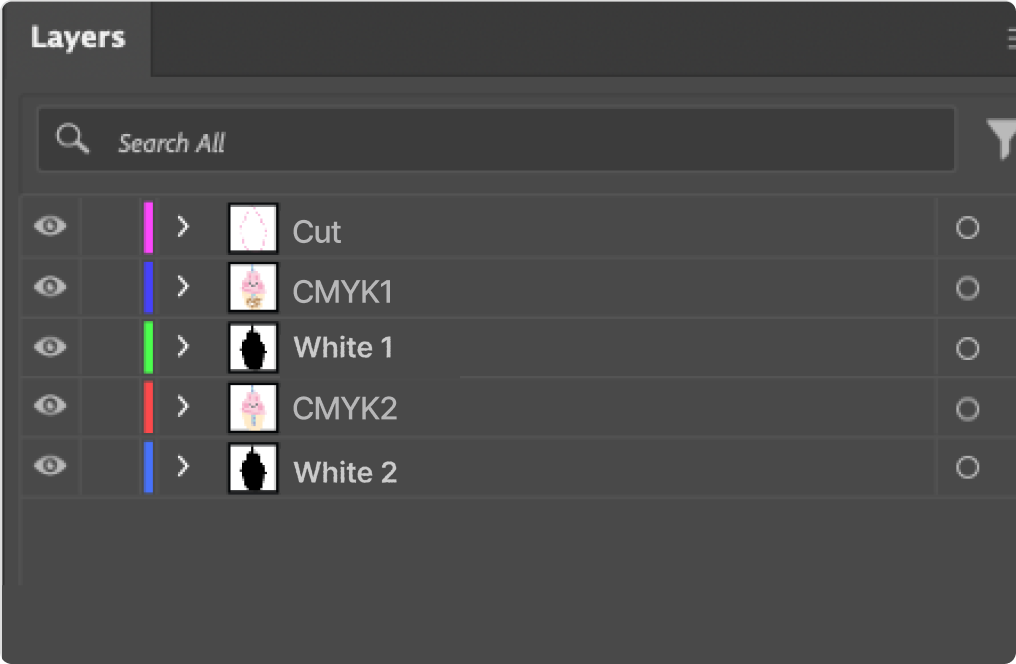
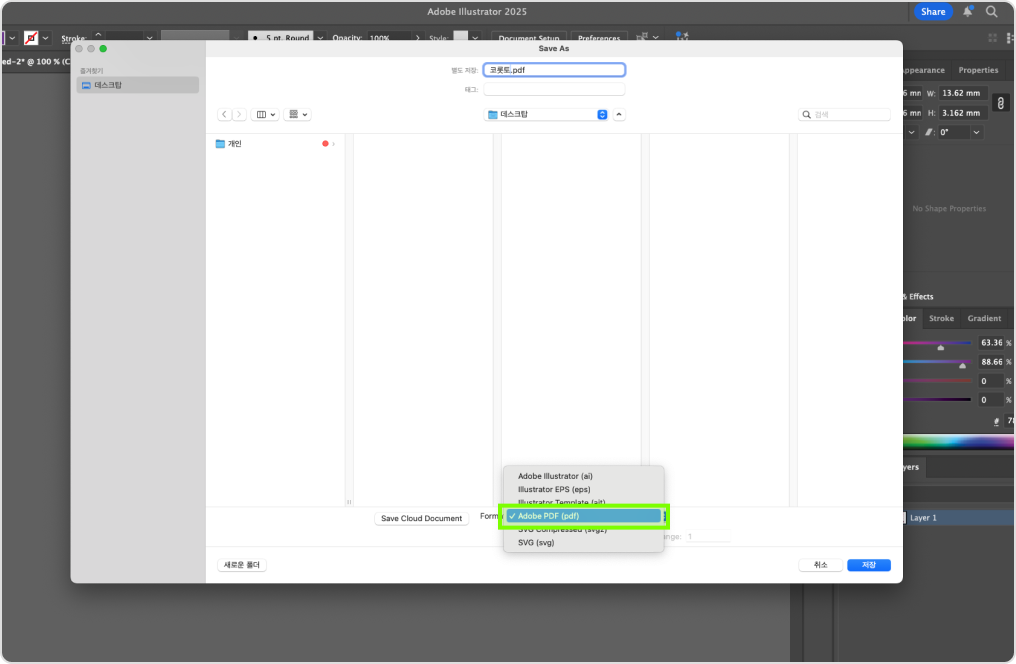
Separate layers as displayed above before saving as PDF.
(Cut / CMYK1 / White1 / CMYK2 / White2).
Download our Templete and place your artwork design into the CMYK (print) layer.
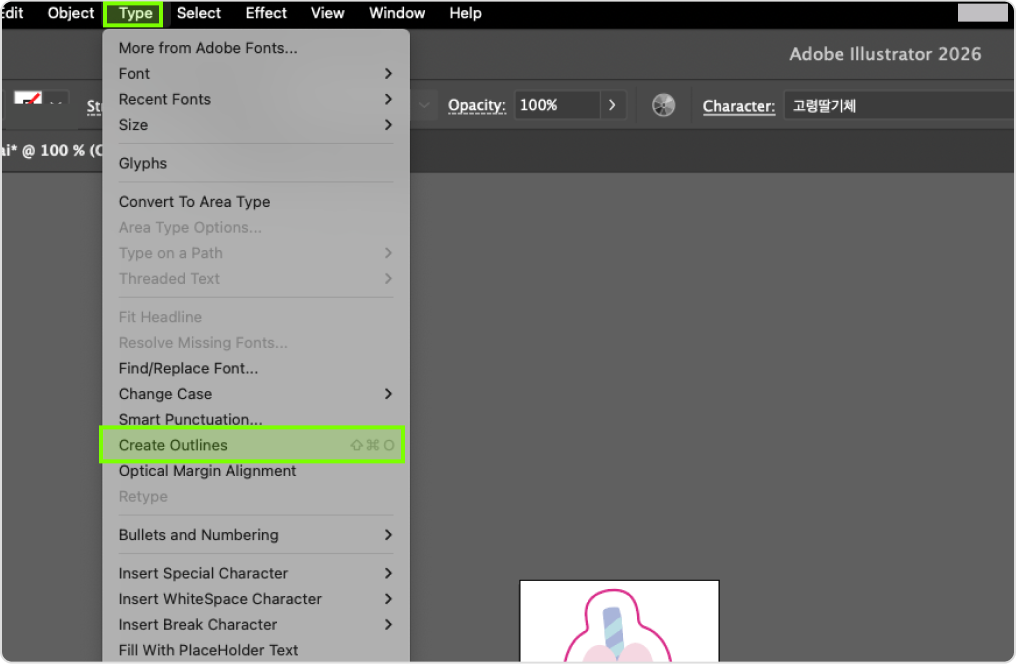
For content with fonts, please "Create Outline" in AI (Illustrator) before saving
as
PDF. Short Key: Ctrl(Command)+Shift+O
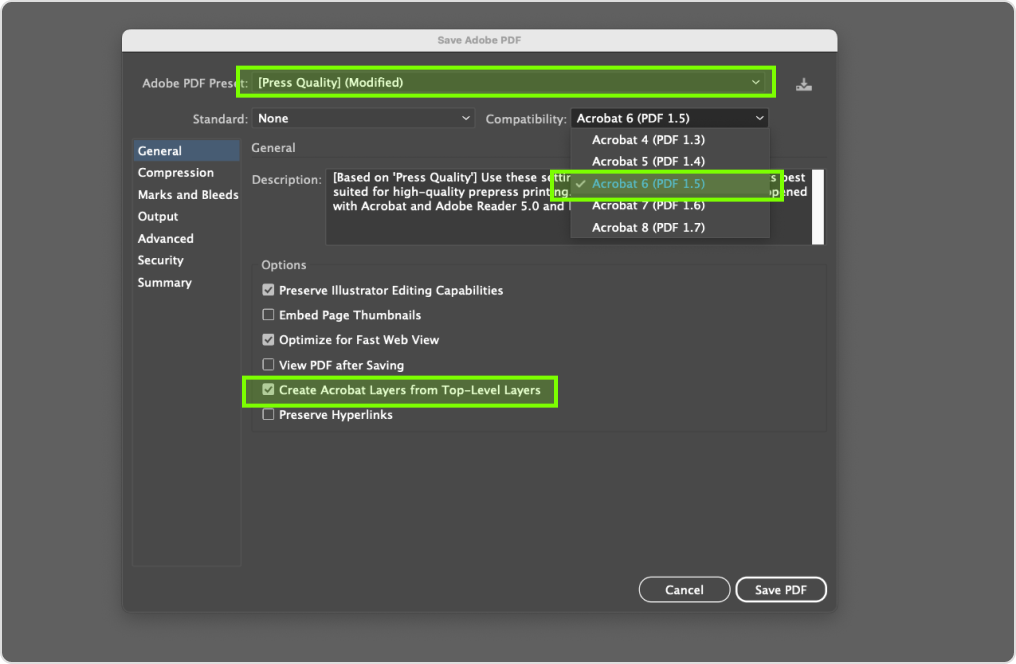
Ensure to select Press Quality / Acrobat 6 (PDF 1.5) or above and
Create Acrobat Layers from Top-Level Layers before saving a PDF file.
Acrylic Blocks (Lenticular)
· Kindly remove the thin protective film from acrylic before use.
· A slight shift in white ink base may occur and may be visible on some edges.
· Colors seen on monitor screen (RGB) may differ from actual print output (CMYK).
· Fine lines, scratches and dust particle may be visible and cannot be avoided.
· Tiny red/black spots may be visible from the effects of the production process, which is
unavoidable.
· Stay away from sharp objects and products containing alcohol to prevent ink from peeling off.
· 1-2mm print/cut shift may occur during production which is inevitable.
· Each item may differ slightly even if they are of the exact design and size due to variables such as
temperature, humidity etc.
기본 벌크 포장(한 번에 포장)해 출고되며,
개별포장 선택 시 선택한 부자재 옵션에 따라 금액이 달라질 수 있습니다


Shipping Method

Available Products
· Kindly check the price list after selected the desired finishings. Total price and unit price will differ based on your selections.
· The prices shown here is an estimation. Do note that accessories are not included in the above.
· Above pricing includes VAT. This may be subjected to changes.
Betterway Systems Co., Ltd.
(278-32, Seongsu-dong 2(i)-ga) 30, Achasan-ro 11-gil, Seongdong-gu, SeoulCEO: Yang Pyeong
Business Registration Number : 206-86-90666
Communication sales report number : 2015 – Seoul Seongdong - #0631
NHN KCP Corp. Merchandising service
KCP's escrow service Safe & Secured Payment Service / Secured Payments by :

© 2015-2026 Betterway Systems. All rights reserved.
