톡상담 안내
원활한 고객응대를 위해
카카오톡 1:1 채팅 상담 일시 중단하고,
톡 상담은 챗봇 상담으로만 운영됩니다.
자세한 문의는 고객센터 1544-6698로 문의주세요.
대량 옵셋 상담
기업체, 공공기관, 도서관 등 다량의 도서, 잡지, 인쇄 및 출판이 필요하신 경우 대량 옵셋 전문 담당자와 상담하실 수 있습니다.
대량 옵셋 상담 신청
근무시간(상담 가능 시간)
- 평일 09:30 ~18:30
(식사시간 12:00 ~ 13:00)
- 토/일/공휴일 휴무
- 톡상담이 불가한 경우,
1:1게시판에 남겨주세요.
이메일 - admin@redprinting.co.kr
입금 계좌안내
IBK 기업은행
513-027986-01-015
(주식회사 베러웨이 시스템즈)
Category

Acrylic StandeesReorder is available for this item.

-마이페이지>찜 목록 조회에서 확인하세요
찜 목록으로 이동하기 >
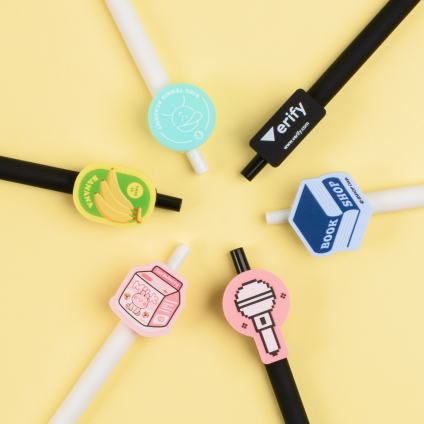
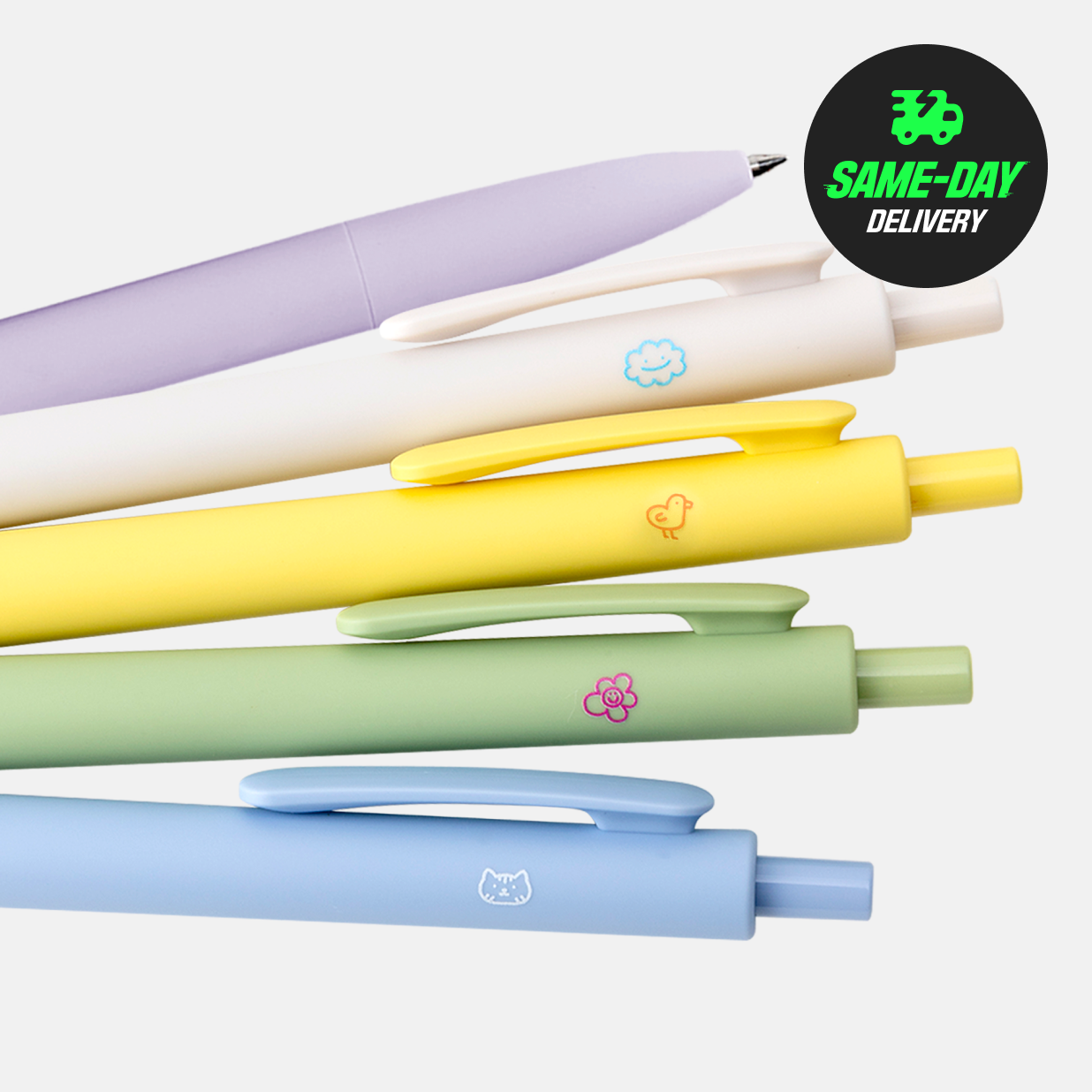
Jelly pens 2 Reorder is available for this item.
1,700 / 1pcs
Tin Boxes
2,100~ / 1pcs
Free Shape Stickers (Fixed Sizes) Reorder is available for this item.
1,700 / 1pcs
ID Photos
600 / 1pcs
Foam Board Signs (Direct Printing)
36,100 / 1pcs
Economy Postcards Reorder is available for this item.
4,500 / 10pcs
Various Base Options
Choose from 4 base shapes to print on.
Protective Film
Each keychain is shipped with a protective film.
Single Packaging
Choose to have your items individually wrapped.
Data Production & Ordering
Video Guide
Refer to our video guide on how to prepare artwork for acrylic keyring (enable subtitles).
Guide explaining how to save your print file and export to the PDF file format.
※Back Printing indicates printing on the back of the transparent acrylic material
※Front Printing indicates printing on top of the transparent acrylic material
If your design has text, the text will appear reversed on the back when the keyring is turned around.
To fix this issue of seeing the text backwards on the back, we recommend printing a white layer on top of the first printed layer.
Then, print another layer on top with the text in the correct orientation.
Transparent acrylic standee will be produced with back printing method.
White Ink Layer Option - Colour : K=100, Ensure to create Cutting Layer Necessary - Colour : M=100 using a closed vector path in Adobe Illustrator.
ㅡ Cutting Size : Includes size of the stand (base) of the acrylic standee.
ㅡ Working Size : Includes the margin required for cutting purposes. An extra 2mm margin (all sides) is required based on cutting size. .Margin (all sides) is required based on cutting size.
ㅡ Stand (Base) Size : This is a fixed size of 10x2.6mm. Size cannot be modified, as the grooves may not fit if changed.
We are using the highest quality printing techniques to manufacture these items. But even with the white layer printed, it’s unable to fully 100% cover the rear side.

Please be aware that there may be 0.3mm shift during printing between the white and color printing.
There may be slight banding on the printed surface due to the nature of the material.
Acrylic Keyring ois Produced and cut into shape from the starting until the ending point with laser cutting method.
Part of the ink might fall off when cutting is done on the printed surface
Cut on non-printed surface. For best results keep your print inside the cutting line.
※ Printed Ink may crack and fall off when cut as a result from the laser cutter.
Cut + Side1 + White
Front: Print is visible from the front | Back: White colour printing
Front: Slightly see-through from the front | Back: Slightly see-through from the back
※Image might not appear translucent even without white ink printing when data is created using pastel tone.
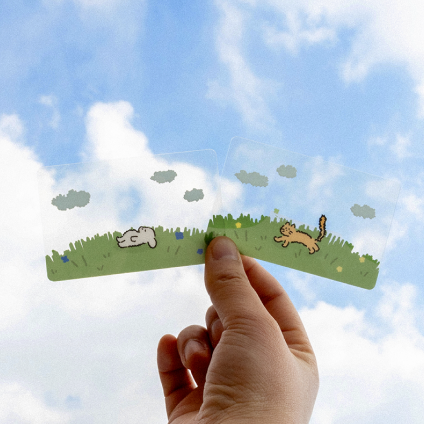
Mixture of translucent and clear image.
Create "Side2" layer for non-white ink printing
1. Open Editor & Import Image
Click on "Create" button on our order page
and import the desired image for easy editing.
2. Applying JPG images
For JPG images, we don't support transparent backgrounds and the blank areas are filled with white.
Please fill in the size you want in the size input window after uploading the image.
3. Apply PNG Image
For PNG images, areas other than the images appear transparent and shape is created along the outline.
Please fill in the size you want in the size input window after uploading the image.
4. Precautions for Uploading PNG Images
You cannot create acrylic keying if the uploaded image is not linked together.
You need to connect the fallen image to one so that it can be produced normally. Please keep this in mind.
5. Complete Your Design
Check your complete design.
Click on "Preview" to see the final output. Then click "Edit Complete" when done.
※Back Printing indicates printing on the back of the transparent acrylic material
※Front Printing indicates printing on top of the transparent acrylic material
If your design has text, the text will appear reversed on the back when the keyring is turned around.
Blank area outside of the image, will appear as transparent in actual output.
If you do not want transparent edges, it is recommend that you fill the blank background with white.
Please be noticed that there might be 0.3mm shift between white and color printing.
There might be slight bend on the printed surface due to the nature of the material.
Acrylic Keyring ois Produced and cut into shape from the starting until the ending point with laser cutting method.
Base Cutting Line
Acrylic Standee - Rounded Square ∙ Round ∙ Hexagon ∙ Oval
Download the template provided, design your way, save a PDF file and upload!
・Material : Acrylic (Thick 3mm)
・Printing : Standee (Back printing), Base (Back Printing)
・Base : Round ∙ Oval ∙ Rectangular ∙ Hexagon
・Option : White Ink Printing
・There might be 1-2mm colour shift during printing.
File upload in PDF format
Easy order upload in JPG, PNG, PDF format
Please upload according to the file format.
If you check all of the above choices
You can check the total payment amount.
After finishing uploading the file
You can check in My Page.


Shipping Method
Available Products


[White Printing] When White Printing Is Selected
[White Printing] When White Printing Is Not Selected
Non-White Based Papers: Transparent / Kraft / Black Paper etc
CMYK color will be added on top of the white ink printing layer for vivid prints.
White Printing will be automatically generated if our online editor is used.
If file is submitted via our PDF Upload, make sure to add the White Printing layer in your artwork file.
Guide
Contact Us
1544-0590
English Consultation: Mon-Fri (9:30am - 6:30pm)
Self Collection/Pick-Up: 9:30am-7pm
support@redprinting.co.kr
Betterway Systems Co., Ltd.
(278-32, Seongsu-dong 2(i)-ga) 30, Achasan-ro 11-gil, Seongdong-gu, SeoulCEO: Yang Pyeong
Business Registration Number : 206-86-90666
Communication sales report number : 2015 – Seoul Seongdong - #0631
NHN KCP Corp. Merchandising service
KCP's escrow service Safe & Secured Payment Service / Secured Payments by :
© 2015-2026 Betterway Systems. All rights reserved.