찜 목록

전체선택 삭제

톡 상담

톡상담 안내 원활한 고객응대를 위해
카카오톡 1:1 채팅 상담 일시 중단하고,
톡 상담은 챗봇 상담으로만 운영됩니다.

자세한 문의는 고객센터 1544-6698로 문의주세요.

대량 옵셋 상담 기업체, 공공기관, 도서관 등 다량의 도서, 잡지, 인쇄 및 출판이 필요하신 경우 대량 옵셋 전문 담당자와 상담하실 수 있습니다.

대량 옵셋 상담 신청

근무시간(상담 가능 시간) - 평일 09:30 ~18:30
  (식사시간 12:00 ~ 13:00)

- 토/일/공휴일 휴무

- 톡상담이 불가한 경우,
  1:1게시판에 남겨주세요.

이메일 - admin@redprinting.co.kr

입금 계좌안내 IBK 기업은행
513-027986-01-015
(주식회사 베러웨이 시스템즈)

장바구니

전체선택 삭제

예상 결제금액 0

to top
band banner

Rectangular Stickers (Kiss Cut)[Next-Day Delivery]Reorder is available for this item.

Paper
Printing Option
6 Color CMYK (4 Colors) + 2 additional colors
(Light Cyan/Light Magenta) for more vibrant prints.
Default CMYK 4 color is the standard quality.
Specification(mm)
Cutting Size : Horizontal
/ Vertical

Working Size : Horizontal
/ Vertical
※ Working Size includes the bleed margin of 2mm on all sides. Ensure to export your pdf including the bleed size.
No. Of Designs
pcs
※ No. Of Designs can be added in Editor.
Qty / Per Design
Order Title
Order Detail
File Upload
Changing the file upload method will reset the previous one
PDF ONLY
Creative Editor
Finishing
Recommended Product

NOTE

White edges may be visible in actual print output on all sides of the sticker.

실제데이터 묶음재단

Rectangular Stickers
e.g) 60 x 30mm Sticker


Kiss-Cutting Size (Order Size) : 60 x 30mm
Working Size: 64 x 34mm

To avoid having white edges in final print output, you would need to order our Free Shape Stickers, with own cutting line provided and ensuring the image fills the working size. Do allow 5mm margin on all sides before submitting your file.

Illustrator Custom shape Sticker

Free Shape Sticker
e.g) Creating Sticker of Cutting Size 70 x 30mm


Kiss-Cut Size: 64 x 24mm
Cutting Size : 70 x 30mm
Working Size: 74 x 34mm Sample with 5mm bleeds
(without white edges).

Create cut line using pen tool via path in Magenta 100% (M) using vector line (stroke).
Ensure to save print and cut line in a separate layer.

Ensure to create cut line via path in magenta colour(M=100%) Stroke Size: 0.5pt

Cut Line Note
Remove extra points on the cut line
Object > Path > Simplify

Select [Press Quality]
Select Acrobat PDF 1.5 and above.
Select Create Acrobat Layers from Top-Level Layers.

Select [Press Quality]
Select Acrobat PDF 1.5 and above.
Select Create Acrobat Layers from Top-Level Layers.

Rectangular Stickers (Kiss Cut)[Next-Day Delivery]

사각반칼스티커-롤링배너 슬라이드1
사각반칼스티커-롤링배너 슬라이드2
사각반칼스티커-롤링배너 슬라이드3
icon_arrow
icon_arrow

Product Features

  • 반칼 재단

    Kiss Cut

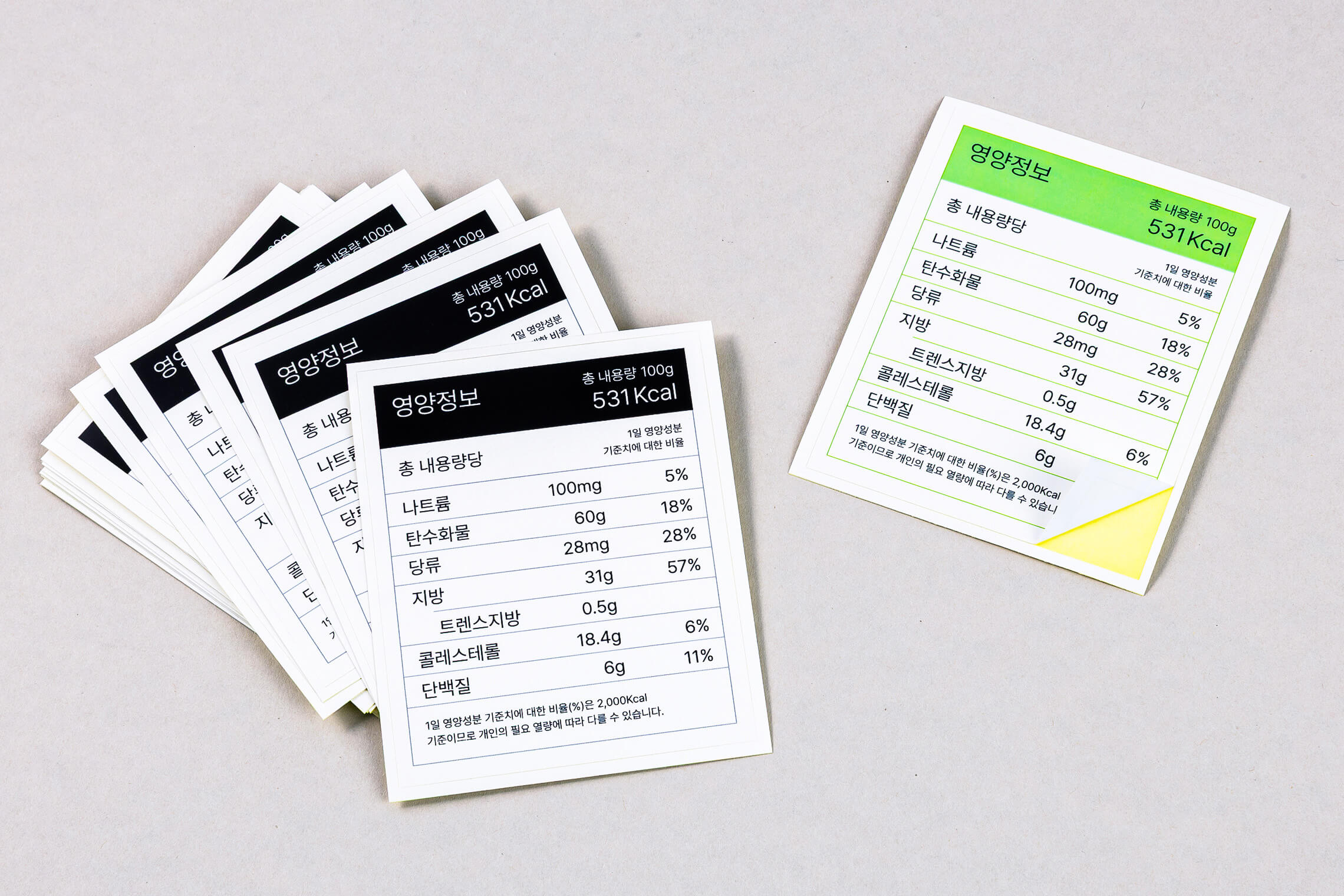
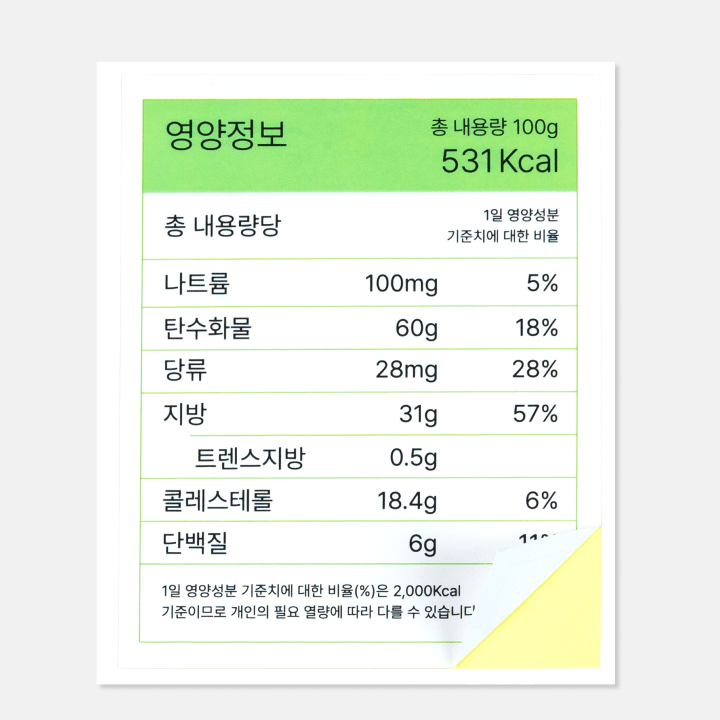
    Kiss cut stickers allow easy peeling
    from the backing paper.
    (For PDF Upload - label “Cutting” on cutline layer)

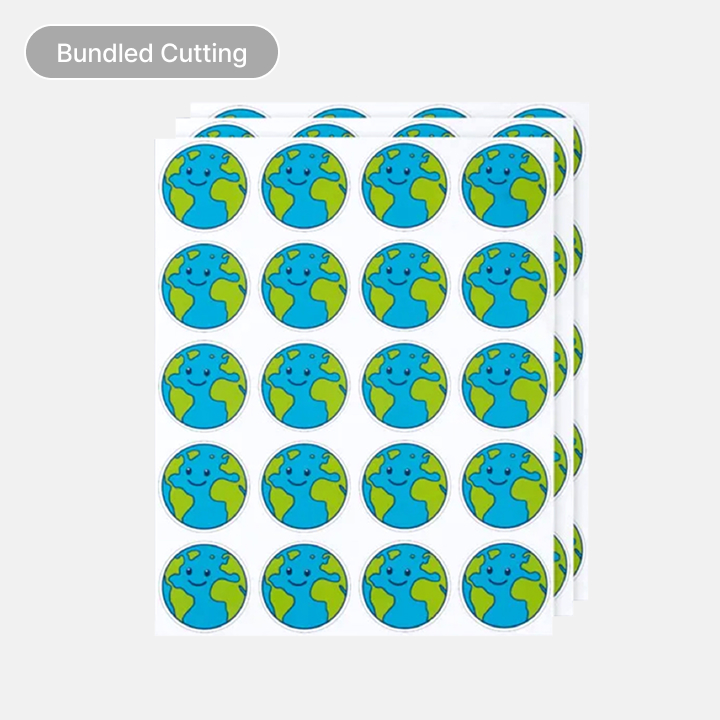
  • 개별재단

    Bundle Cut

    Stickers will be bundled cut into default sheet sizes of
    A4 or A5. This is random and cannot be selected.

  • 코팅 옵션

    Coating

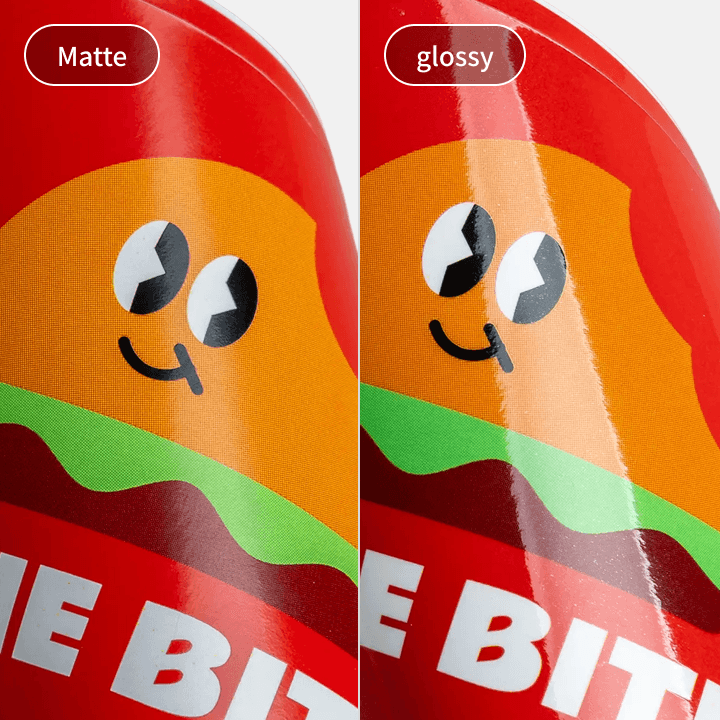
    Matte or Glossy coatings are available in
    Additional charges will be applied.

Data Production & Ordering

1. Font Outline

Be sure to create an outline for all fonts in your artwork.
Short Cut Key: Ctrl(Command)+Shift+O

1. Font Outline

2. Saving Layer Name

Save layer and name according to required finishing e.g. Red Foil / Scodix etc.
(Ensure to save finishing, cut lines and print data in different layers)

2. Saving Layer Name

3. Kiss Cut Lines

Add a new layer and create your kiss cut lines
Do not create a cut line on the layer with printing artwork. Cut line saved on the print layer will be recognised as part of printing artwork.

3. Kiss Cut Lines

4. Kiss-Cutting Line Layer

Create cut line via path or using pencil tool.
Ensure to create cut line via path in magenta colour (M=100%) Stroke Size: 0.5pt

4. Kiss-Cutting Line Layer

5. Save PDF

Click (Save As…) and save the file under Adobe PDF format.
+ more details

5. Save PDF

6. Save PDF

Ensure to select Press Quality / Acrobat 6 (PDF 1.5) or
above and Create Acrobat Layers from Top-Level Layers before saving a PDF file.

6. Save PDF

1. Upload Image / PDF Upload

Please upload your desired image either in JPG/PNG or PDF Upload buttons located at the the bottom left of the Editor.

1. Upload Image / PDF Upload

2. Apply Image

Click on the uploaded image on left panel to apply image to the product.
- To scale or reposition image: Drag on any corner of the image to resize or move image
- Editing Functions (top panel): Arrange/Align, Flip, Sort, Rotate

2. Apply Image

3. Save & Close

Once applied image has been adjusted to your preference,
click Save & Close at the top right corner to save changes and exit editor.

3. Save & Close

Rectangular Stickers (Kiss Cut) [Next-Day Delivery]

Paper Type All Sticker Papers
Coating Glossy / Matte

Basic Cutting A5-A4: Produced in Kiss-cutting

Adhesion may vary by sticker material.
To ensure satisfaction, test with a small order before buying in bulk.

Goods exchange and return is applicable when:
- Complete refund or reproduction is applicable only if the final output is 100% different from the ordered item.
- When the product is unusable, refund and reproduction is applicable.
( Step 1 – photos verification, 2 step – product inspection. Please note that at least 80% of the returned product should be in good condition for us to bare the shipping fee of returned goods).

Goods exchange and refund is not applicable when
- Cancellation and refund is not applicable if printing files received without any problem and printing process completed smoothly.
- Mistake and typo related problems caused by users’ carelessness or misunderstanding of instructions and terms and conditions listed in both user and product guides.

Shipping Method

Delivery Method

· Parcel Delivery [Prepaid]
· QUICK Service [By Customer]
· DVER Quick [Prepaid - In-House]
· Freight Delivery [Large-Format]
· Self-Pick Up

Delivery Region

Local Shipping Only (Nationwide)

Delivery Fees

· Base Shipping: 3,500won (additional charges may incur depending on weight/bulkiness)
· Digital Prints over 50,000 won: FREE Shipping. (View Fees below for exceptions)
· Parcel & Quick Delivery: Additional charges may occur if order is too bulky or heavy.

Please click below for the detailed Shipping Fees guide.

View Fees


Delivery Details

· Orders will be produced and shipped after payment is completed.
· Delivery Timeline (est): 1-3 business days (excluding weekends & public holidays).
· For Express delivery, please select either QUICK [By Customer] or DVER Quick [Prepaid - In-House].
· QUICK is only available within Seoul and Gyeonggi-do.
· Multiple orders of the same shipping address can be bundled before orders are shipped out.
· Self-Pick Up & QUICK: SMS notifications will be separated with large-format items & other product categories.
· Foamboard/Foamex cannot be shipped to Jeju-do, rural islands or mountainous areas.
· Some large format items will be shipped via Logen Courier.
Easy Order